27
4
m-PIMA™ ANALYSER USER GUIDE
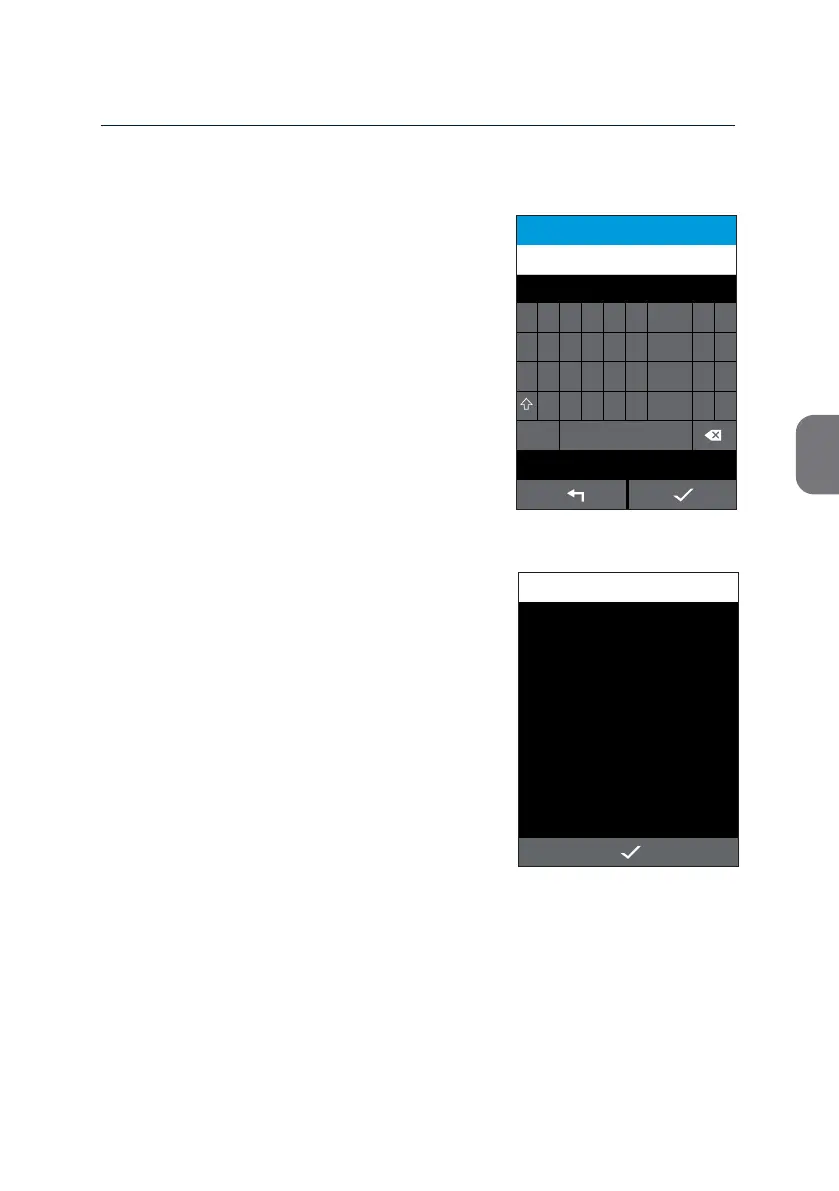
How to enter a Sample ID
Once you entered an Operator the screen will
automacally progress to the «SAMPLE ID»
screen.
You can enter a Sample ID of up to 16
characters.
• Conrm your entry with i.
The aempt to save an empty entry eld will
trigger the following Informaon screen.
• Press i to return to the Sample ID entry
eld.
Note: An isolated "Space" is not accepted as
valid character.
07-11-2019-ABC
SAMPLE ID
15:332019-11-07
1
2 3 4 5 6
7
8 9 0
Q W E R T Y U I O P
A S D F G H J K L -
Z
X
C V B N
M
.
_
#?+
INFORMATION
15:33
Enter Sample ID.
2019-11-07



 To Next Page