m-PIMA™ ANALYSER USER GUIDE
19
2
The majority of screens displayed are Menu
screens. Their header is blue.
They display menus and sub menus, lists,
acons in progress and results.
SETTINGS
14:56
Operator List
Date and Time
Language
Advanced Settings
2019-11-07
Screen Type Descripon
Throughout the m-PIMA™ Analyser menu structure dierent types of screens
will be displayed.
You will nd a brief overview in the following.
The dierent screen types can easily be disnguished by the color of their
tle/ status line (header). Examples for every screen type are shown below.
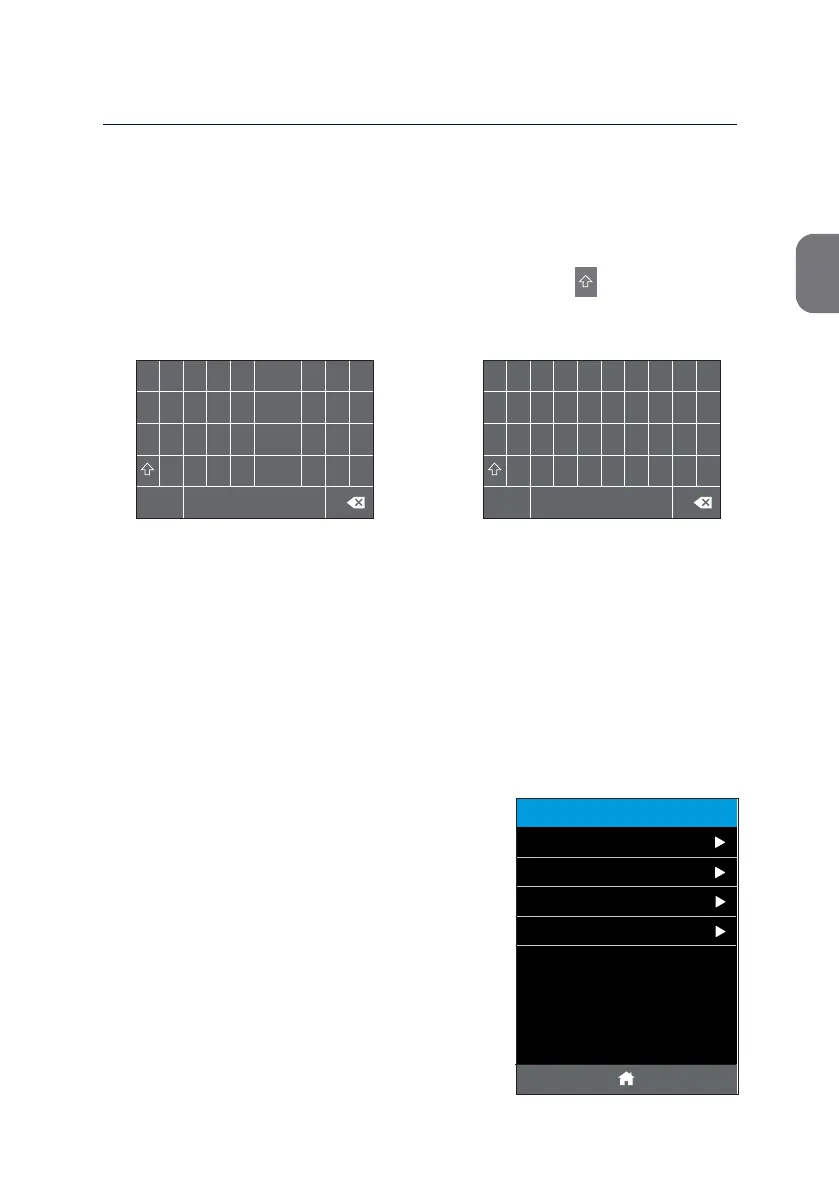
Data Entry
Use the alpha-numeric keypad to enter test related data, e. g. Sample IDs.
Switch between capital and lower case leers by pressing or to special
characters by pressing [#?+], respecvely.
1
2 3 4 5 6
7
8 9 0
Q W E R T Y U I O P
A S D F G H J K L -
Z
X
C V B N
M
.
_
#?+
1
2
3 4 5 6
7
8 9 0
=
/ ~ + “
{
}
< >
@
*
#
% &
§
^
[ ]
-
\
,
( )
:
!
?
.
_
ABC
$



 To Next Page