29
4
m-PIMA™ ANALYSER USER GUIDE
Prinng Results immediately aer Analysis
You may print an m-PIMA™ Test Report immediately aer the test analysis is
nished by pressing g.
If the USB Printer is not aached to the m-PIMA™ Analyser via one of the
USB ports at the back of the instrument the print opon is not enabled.
All results data is stored in the data archive.
Go to the «HOME» screen by pressing e and select «ARCHIVE» to view
archived results.
See further details on page 36 and 70.
Cartridge must not be removed by applying any force since this may lead
to considerable damage of the m-PIMA™ Analyser! Follow the instrucons
given above or contact your local Technical Support for advice in case the
cartridge got stuck in the instrument.
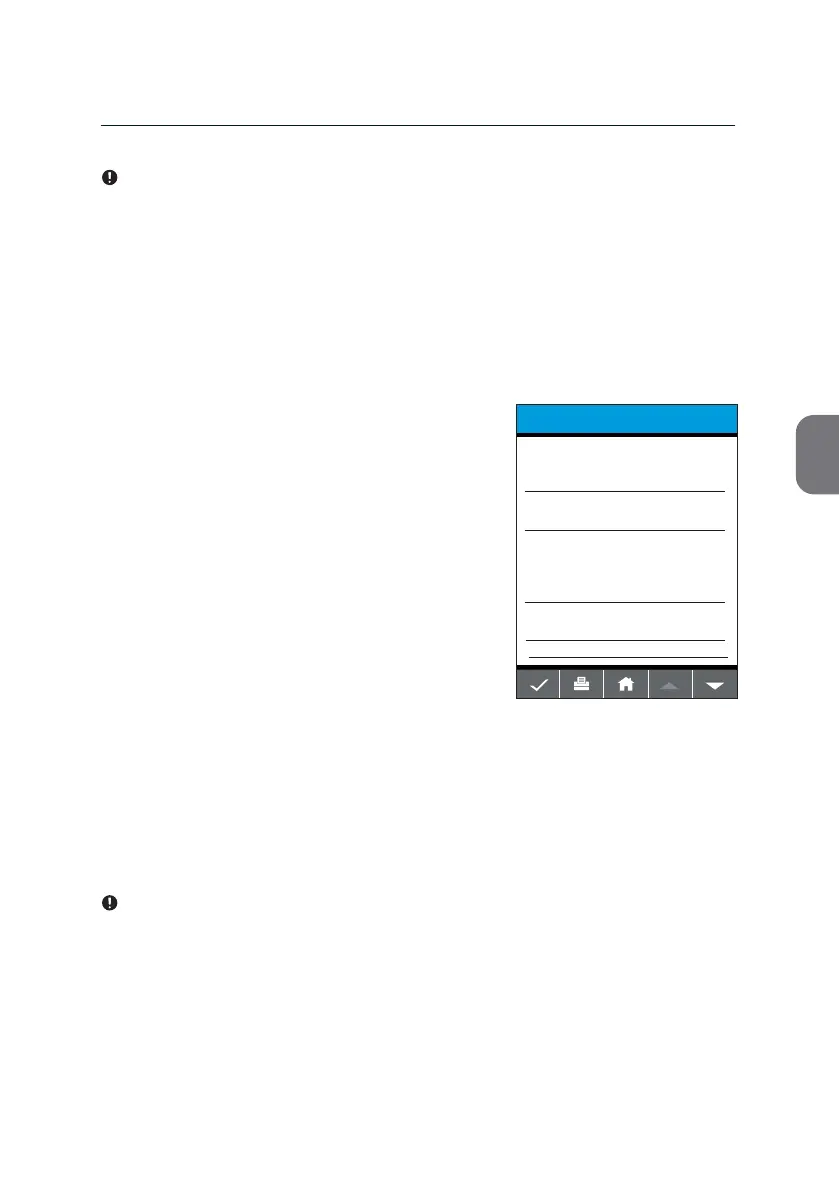
Once you removed the cartridge a m-PIMA™ Test Report will be automacally
displayed, showing the test result and addional relevant test data
(example shown below).
• Press w to view addional test related
parameters.
• Press i to return to the inial «RUN TEST»
screen and start a new analysis.
• Press e to connue with other
menu opons.
TEST REPORT
2019-11-07 14:51
123456789-ABF
m-PIMA HIV-1/2 VL
Sample ID
07-11-2019-ABC
HIV-1 M/N
HIV-1 O
HIV-2
7425 cp/mL
Undetected
Undetected
Result No.
107



 To Next Page