6
50
6 SETTINGS
Test Mode
The default Test Mode on your m-PIMA™
Analyser is called Regular Mode and allows for
processing of m-PIMA™ test cartridges.
As an addional opon your m-PIMA™
Analyser can be operated in Demo Mode
which provides you with a signicantly
shorter simulated test run for demonstraon
purposes. A Demo Mode run takes
approx. 5 minutes.
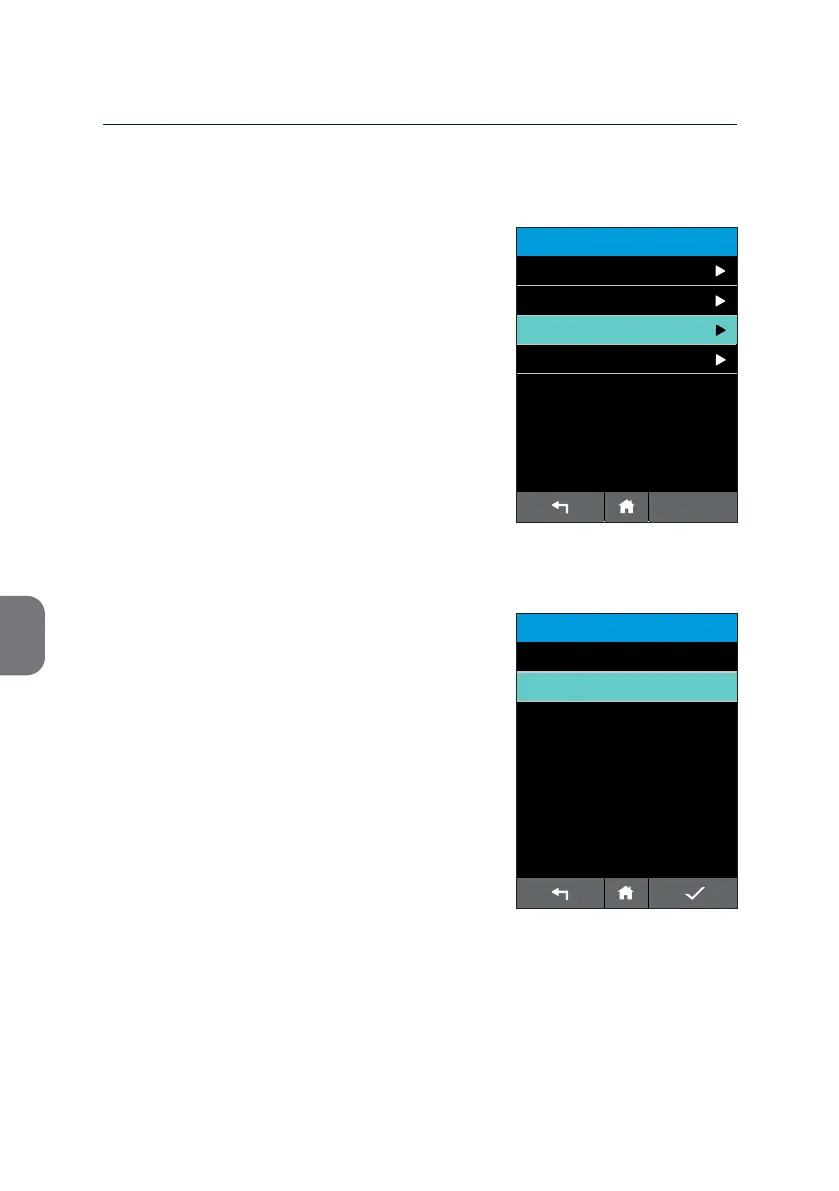
• Choose «Test Mode» from the «ADVANCED
SETTINGS» list to switch between Demo
Mode and Regular Mode, respecvely.
• Press the respecve line which will then be
highlighted in mint.
Conrm your choice with i.
ADVANCED SETTINGS
14:56
Calibrate Screen
Test Mode
Signal Tone
2019-11-07
Connectivity
TEST MODE
14:56
Regular Mode
2019-11-07
Demo Mode



 To Next Page