m-PIMA™ ANALYSER USER GUIDE
49
6
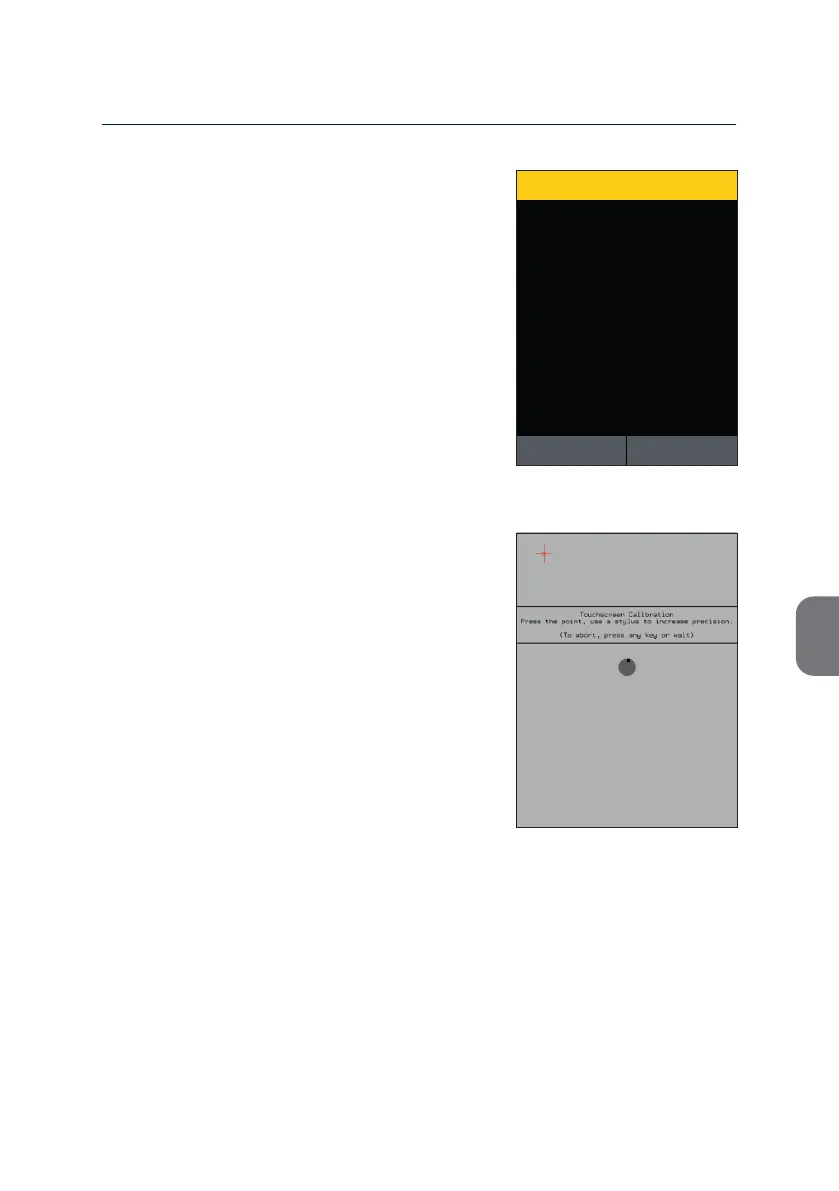
The m-PIMA™ Analyser will ask for an ac ve
con rma on at that point.
• Press y to open the calibra on screen
or press z to return to the «ADVANCED
SETTINGS» list.
• Use a stub pen or the like and carefully
press the centre of all calibra on marks
which will be displayed consecu vely
star ng in the le upper corner.
Note: If you miss to consecu vely press the
calibra on marks in a me period of
15 sec the calibra on process will be
canceled without saving any changes.
Calibrate screen?
CONFIRMATION
15:332019-11-07
YESNO



 To Next Page