10
70
10 WARNINGS & ERROR MESSAGES
Insert new paper roll.
WARNING
15:332019-11-07
Printer Warning
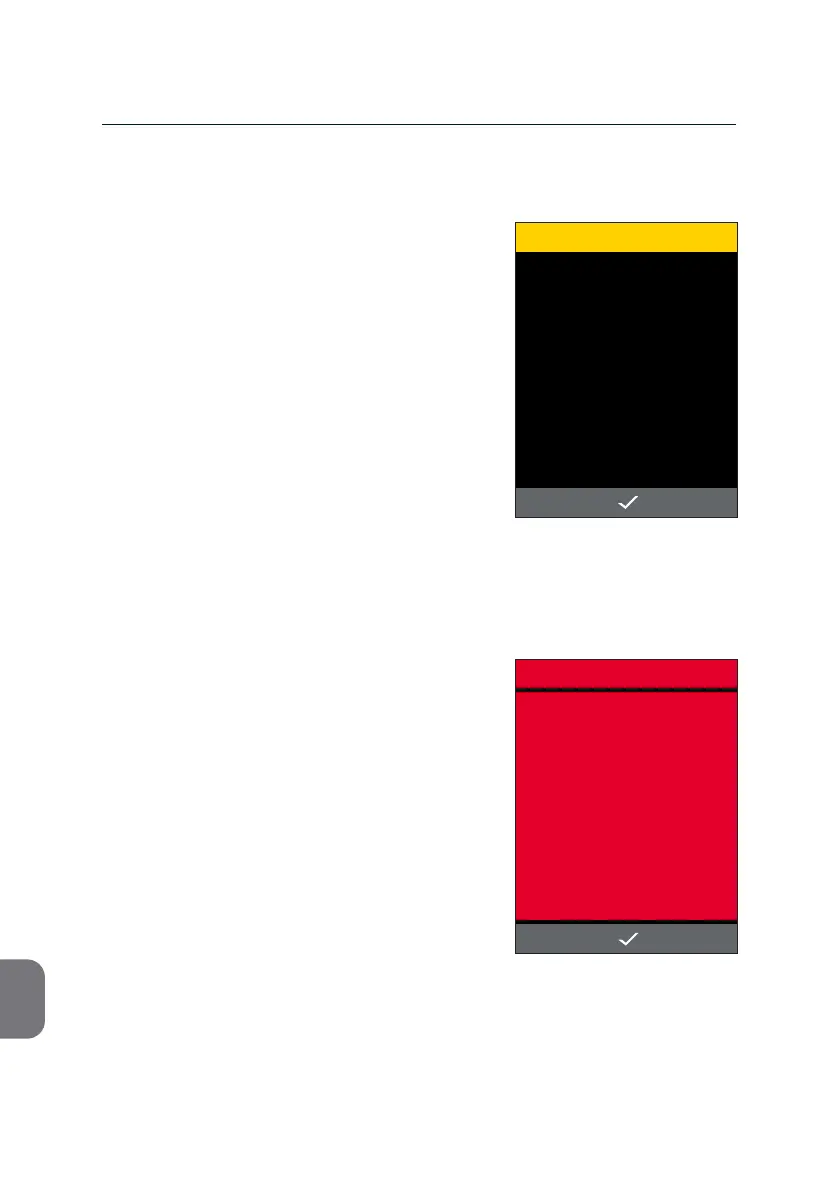
Should the USB Printer run out of paper, the
following screen is displayed.
• Aer a new roll of paper has been inserted,
conrm connuaon of prinng with i.
In case the error occurred during prinng of
an m-PIMA™ Test Report, the last report will
be printed again.
For more informaon on the USB Printer,
please refer also to the USB Printer User
Guide.
Printer Error
If the «PRINTING FAILED» screen appears, an
unspecied error has occurred during prinng
of m-PIMA™ Test Reports. This may have been
caused by either the Printer or the m-PIMA™
Analyser.
• Press i and repeat prinng.
Should the error persist contact your local
Technical Support.
ERROR
15:33
PRINTING FAILED
2019-11-07



 To Next Page