6
48
6 SETTINGS
Connecvity
Your m-PIMA™ Analyser is equipped to send
result data from the archive to a remote server
via Mobile Network.
Furthermore you can send archive data to a
local network or via the CONNECT Universal
Gateway by connecng a LAN cable to the LAN
port at the back of your m-PIMA™ Analyser.
All opons available in the sub menus are only
relevant in combinaon with the respecve
hardware.
For further informaon please refer to the
respecve product informaon or contact your
local distributor.
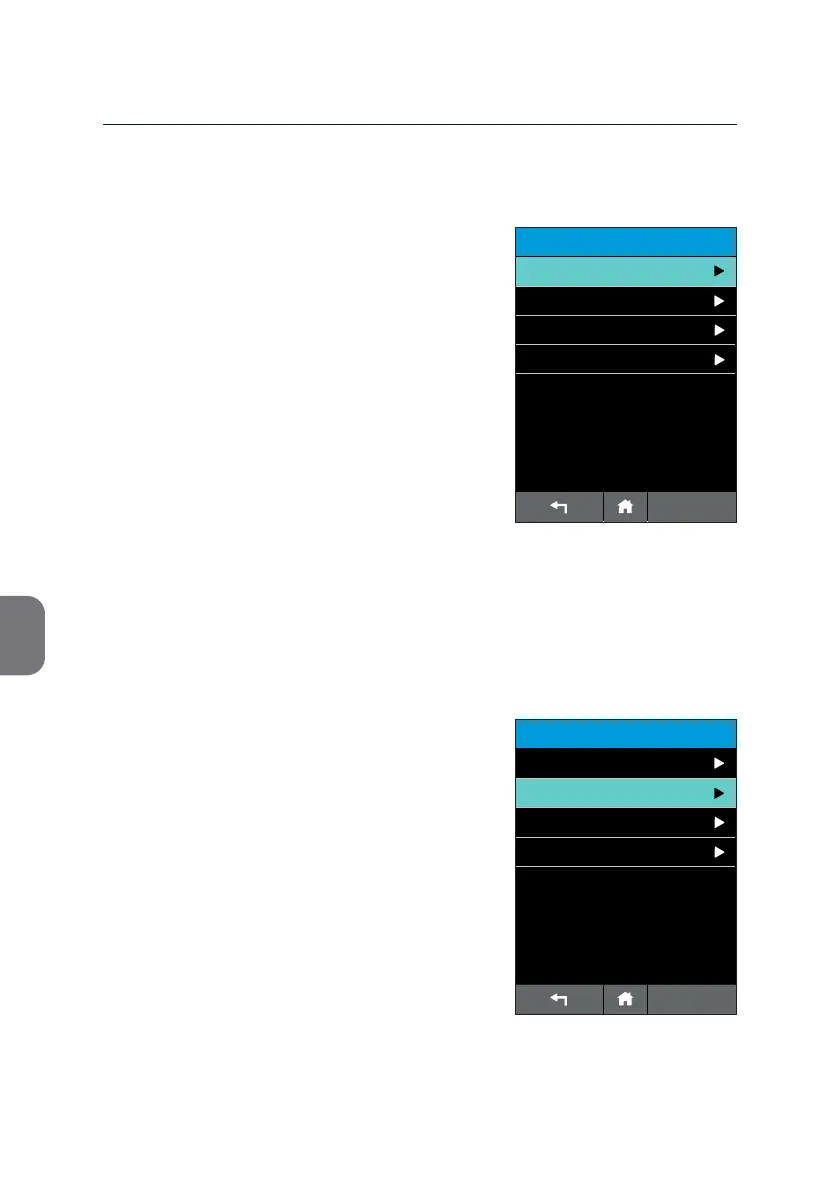
Calibrate Screen
The screen of your m-PIMA™ Analyser was
calibrated at manufacturing.
To provide proper funconality and sensivity
of the keys an occasional recalibraon of the
screen may be advisable.
• Open this sub menu to acvate the
recalibraon mode.
ADVANCED SETTINGS
14:56
Calibrate Screen
Test Mode
Signal Tone
2019-11-07
Connectivity
ADVANCED SETTINGS
14:56
Calibrate Screen
Test Mode
Signal Tone
2019-11-07
Connectivity



 To Next Page