6
46
6 SETTINGS
SETTINGS
14:56
Operator List
Date and Time
Advanced Settings
2019-11-07
Language
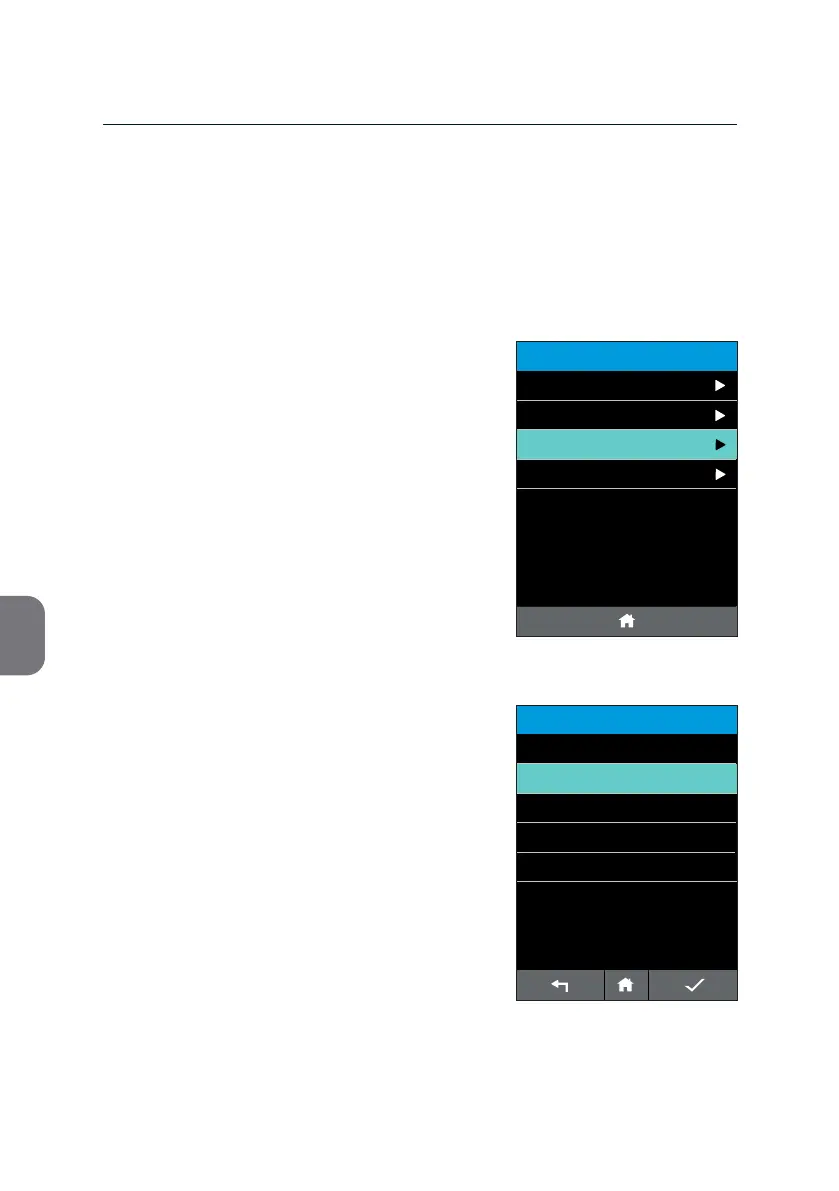
• Press the «Language» line in the
«SETTINGS» list. This opens a list with all
available languages.
• Select the language of interest by pressing
the respecve language line.
Your selecon is highlighted in mint.
• Press i and the m-PIMA™ Analyser will
ask for an acve conrmaon.
Languages
The m-PIMA™ Analyser provides you with dierent language opons for the
User Interface. The default language seng is English.
LANGUAGE
14:56
English
Deutsch
2019-11-07
Português
Español
Français



 To Next Page