69
10
m-PIMA™ ANALYSER USER GUIDE
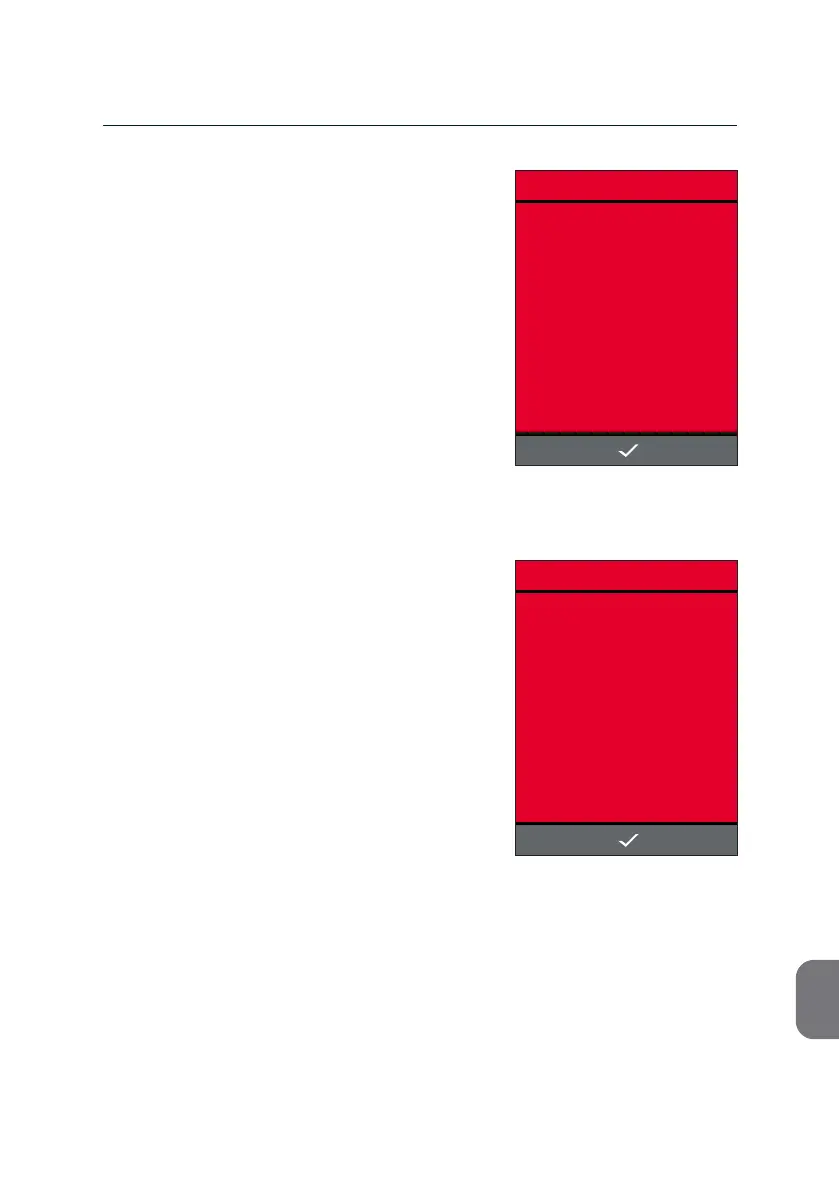
If during export the storage device is removed
from the USB port, the following screen
appears.
• Press i and re-insert the storage device
and aempt to export again.
If during export the storage capacity of the
storage device is reached, the following screen
appears.
• Press i and remove the storage device.
Insert another storage device with
adequate storage capacity and repeat
export.
ERROR
15:33
STORAGE DEVICE FULL.
2019-11-07
ERROR
15:33
STORAGE DEVICE LOST.
2019-11-07



 To Next Page