m-PIMA™ ANALYSER USER GUIDE
51
6
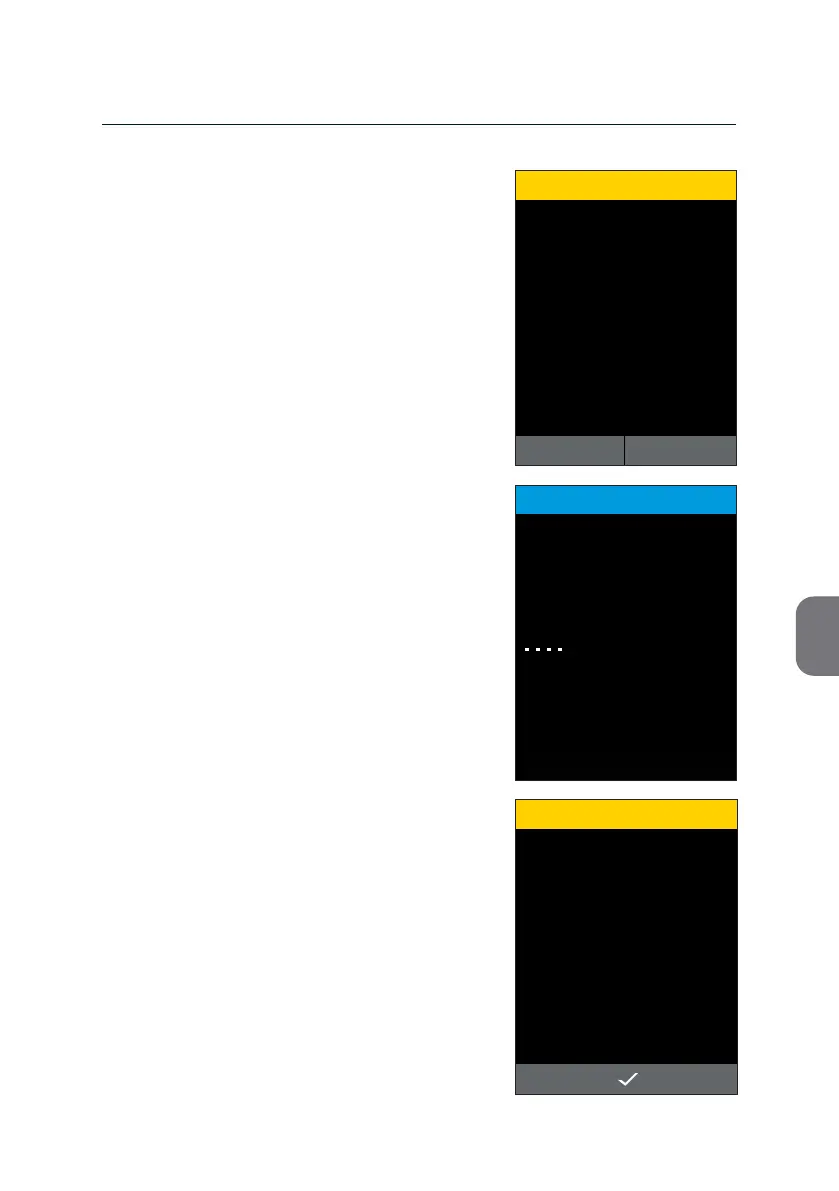
Switch to Demo Mode?
CONFIRMATION
15:332019-11-07
YESNO
Your m-PIMA™ Analyser will ask for an acve
conrmaon before the change of Test Mode
is iniated.
• Press y to connue or z to return to the
«TEST MODE» screen without saving any
changes.
Note: The m-PIMA™ Analyser will reboot to
change the Test Modes. This may take
a couple of minutes during which the
screen will nally turn completely black
for a while before the next screen is
displayed.
Aer successful reboot your m-PIMA™
Analyser will display a respecve warning
screen.
• Press i to enter the «HOME» screen of
the Demo Mode.
Demo Mode activated.
WARNING
15:332019-11-07
DEMO
TEST MODE
15:33
Switching Test Mode
2019-11-07
in progess



 To Next Page