6
52
6 SETTINGS
While you are working in Demo Mode you will
nd the word “DEMO” as an indicator in the
right corner of the header of every screen.
All opons available in Regular Mode are also
accessible in Demo Mode.
Test results generated in Regular Mode are not
visible in the Demo Mode archive, but will be
restored upon return to Regular Mode.
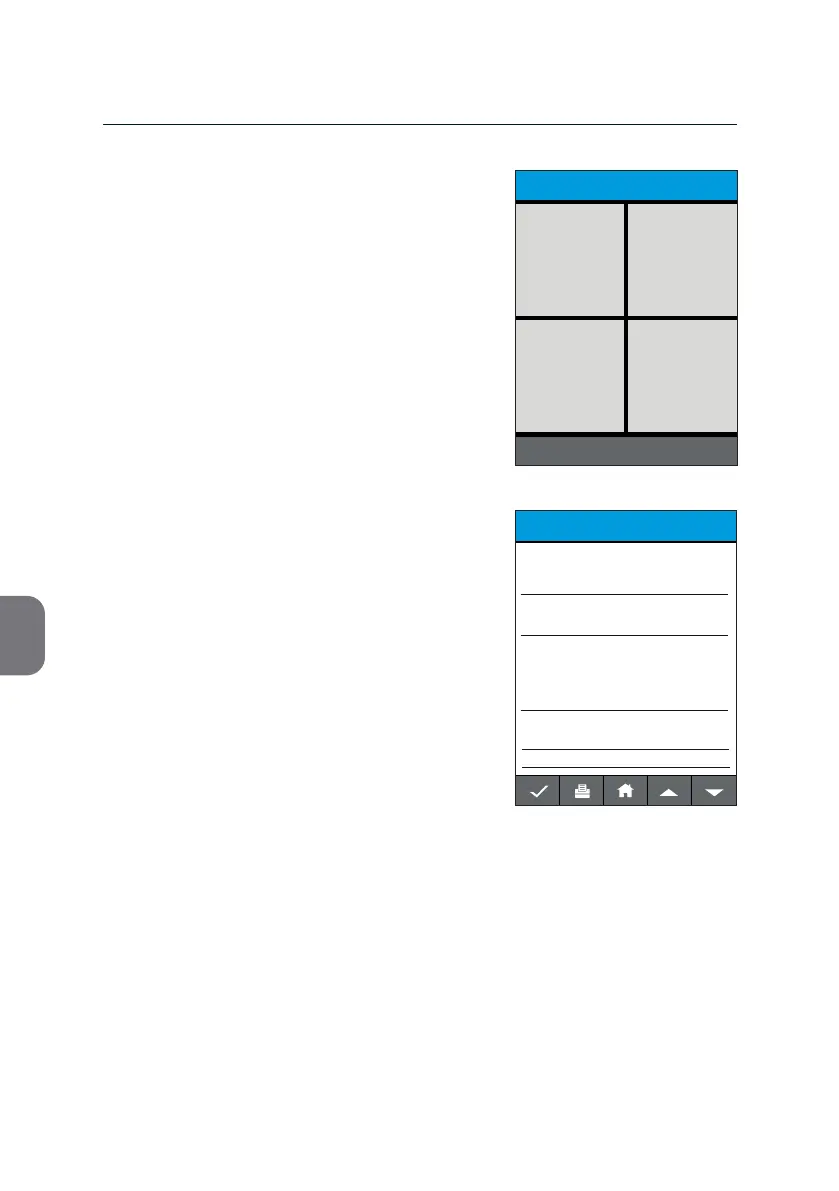
Test Reports in Demo Mode resemble those in
Regular Mode for the respecve assay, though
no diagnosc results are given (see example).
Your m-PIMA™ Analyser remains in Demo
Mode unl manually switched back to Regular
Mode.
Note: With every switch from Demo to Regular
Mode the Demo Archive and the Demo
Operator List will be cleared.
TEST REPORT
2019-11-07 14:51
DEMO
m-PIMA HIV-1/2 VL
Demo
Sample ID
07-11-2019-ABC
HIV-1 M/N
HIV-1 O
HIV-2
Demo
Demo
Demo
Result No.
123
POWER OFF
HOME
2019-11-07 14:51
ARCHIVE
SETTINGS DEVICE
DEMO
DEMO



 To Next Page