29
13.2.2 MC1000 DISPLAY IN RUN MODE
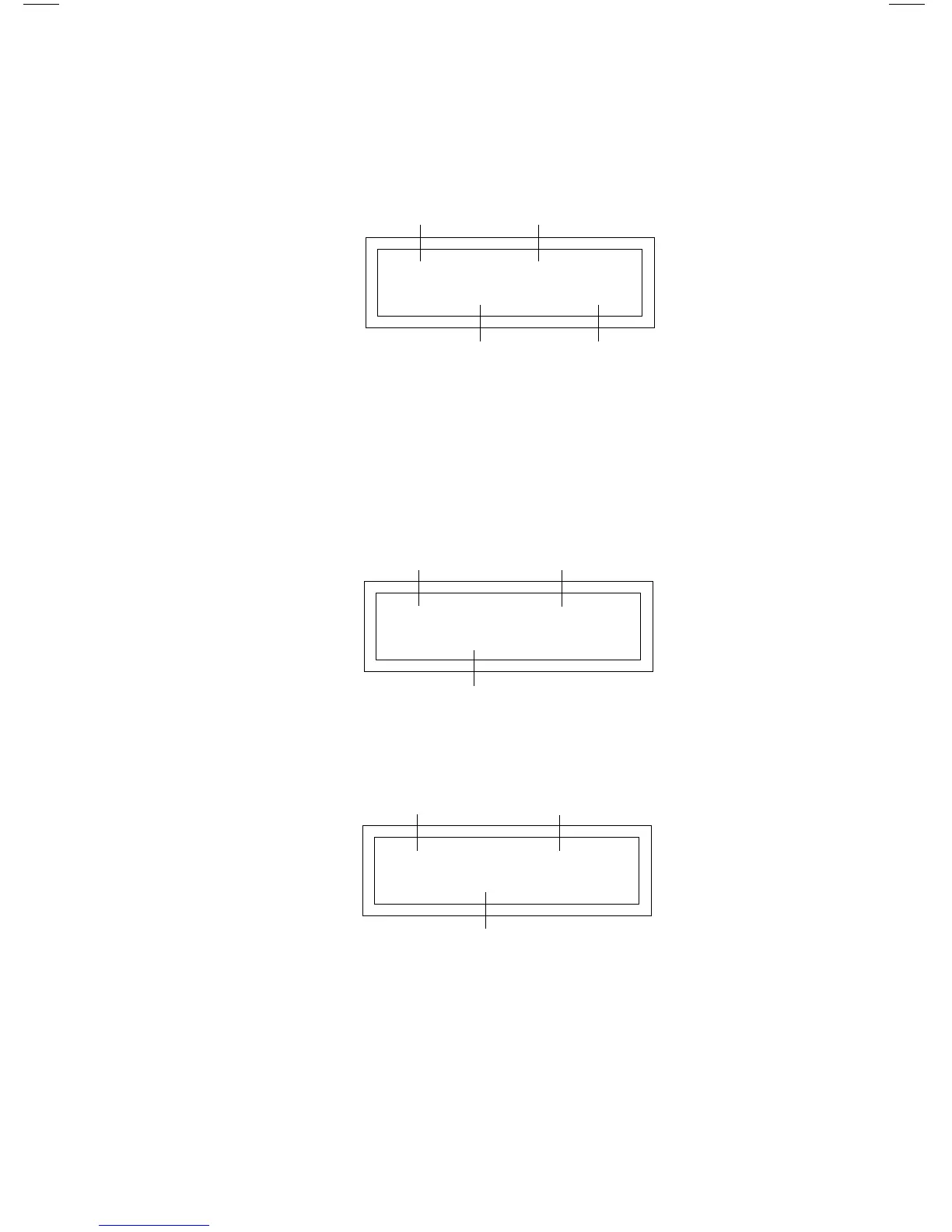
When the drive is in the RUN mode, the default display will look like this:
As in the STOP mode, the ENTER key can be used to toggle the display from
SPEED to % LOAD to VAC (motor voltage):
NOTE: During acceleration and deceleration to the SPEED SETPOINT, the
DRIVE STATUS will show the actual drive speed. When the SPEED SETPOINT
is reached, the DRIVE STATUS will change to RUN (or STOP if the drive is
decelerating to a STOP).
RUN > 460 VAC
DRIVE
STATUS
MOTOR
VOLTAGE
DIRECTION
(FORWARD)
RUN > 85% LOAD
DRIVE
STATUS
PERCENT
LOAD
DIRECTION
(FORWARD)
RUN > 60.00 HZ
DRIVE
STATUS
SPEED
SETPOINT
SPEED
UNITS
DIRECTION
(FORWARD)


 To Next Page