QUALITY CONTROLS - 5
VerifyNow System User Manual Page 34 14340.J
16.
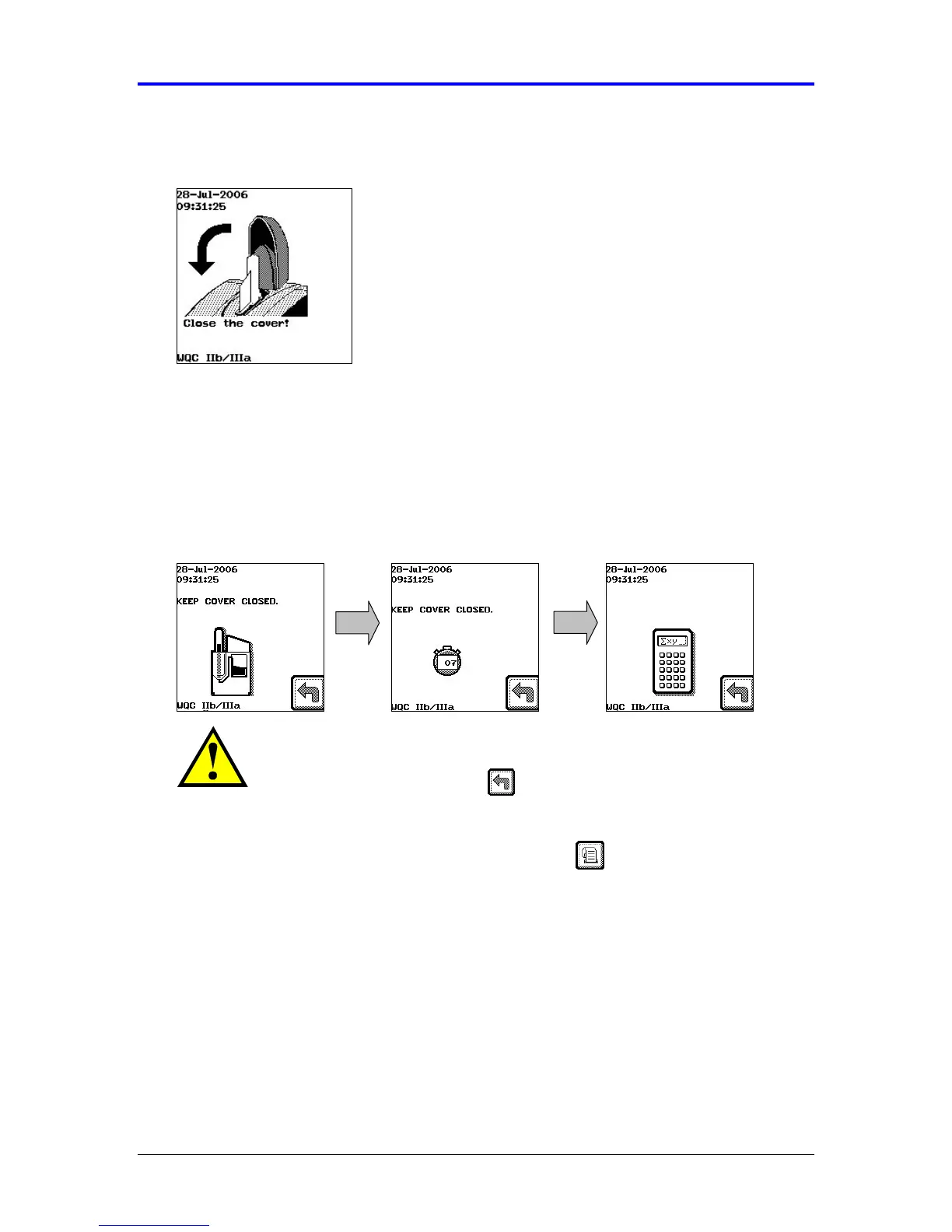
Close the cover to the assay device port (Figure 5-14).
Figure 5-14 Close the Cover
17.
The instrument automatically draws the sample from the vacuum collection tube
into the assay device, heats the sample, and proceeds with the analysis of the
sample. During this time the screen will flash the assay device icon, indicating
that the sample is processing. Do not open the cover until the assay has
completed and a result displays. A calculator will display when the assay is near
completion (Figure 5-15).
Figure 5-15 Assay Progress
CAUTION: The sample is pressurized during parts of the assay.
Never remove the sample tube or assay device during the assay. To
abort a test, press the Back key. Wait for the prompt before
removing the assay device and tube.
18.
When the results display, record the results or print the results, if your
instrument has an attached printer (Figure 5-16).



 To Next Page