System Utilities 2-11
The password setting is complete after the user presses
Enter
.
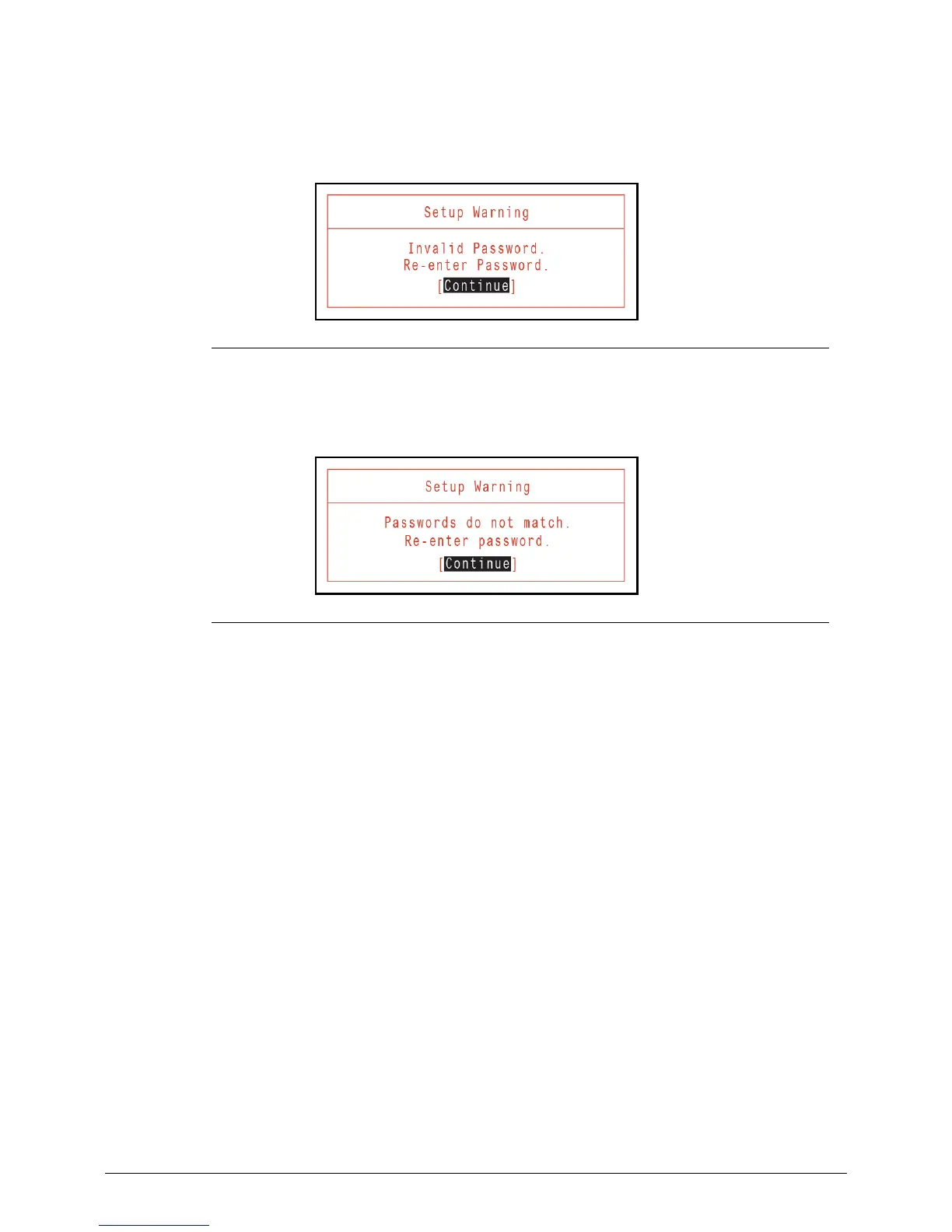
If the password entered does not match the current password, the screen shows the
Setup Warning dialog. (Figure 2-8)
Figure 2-8. Setup Warning: Invalid Password
If new password and confirm new password strings do not match, the Setup Warning
dialog appears (Figure 2-9).
Figure 2-9. Setup Warning: Passwords Do Not Match









 To Next Page