System Information and Settings
ACIST RXi System User’s Guide | 51901700-001,01 2019-09 English
System Settings
Change the Language Displayed in the System Software
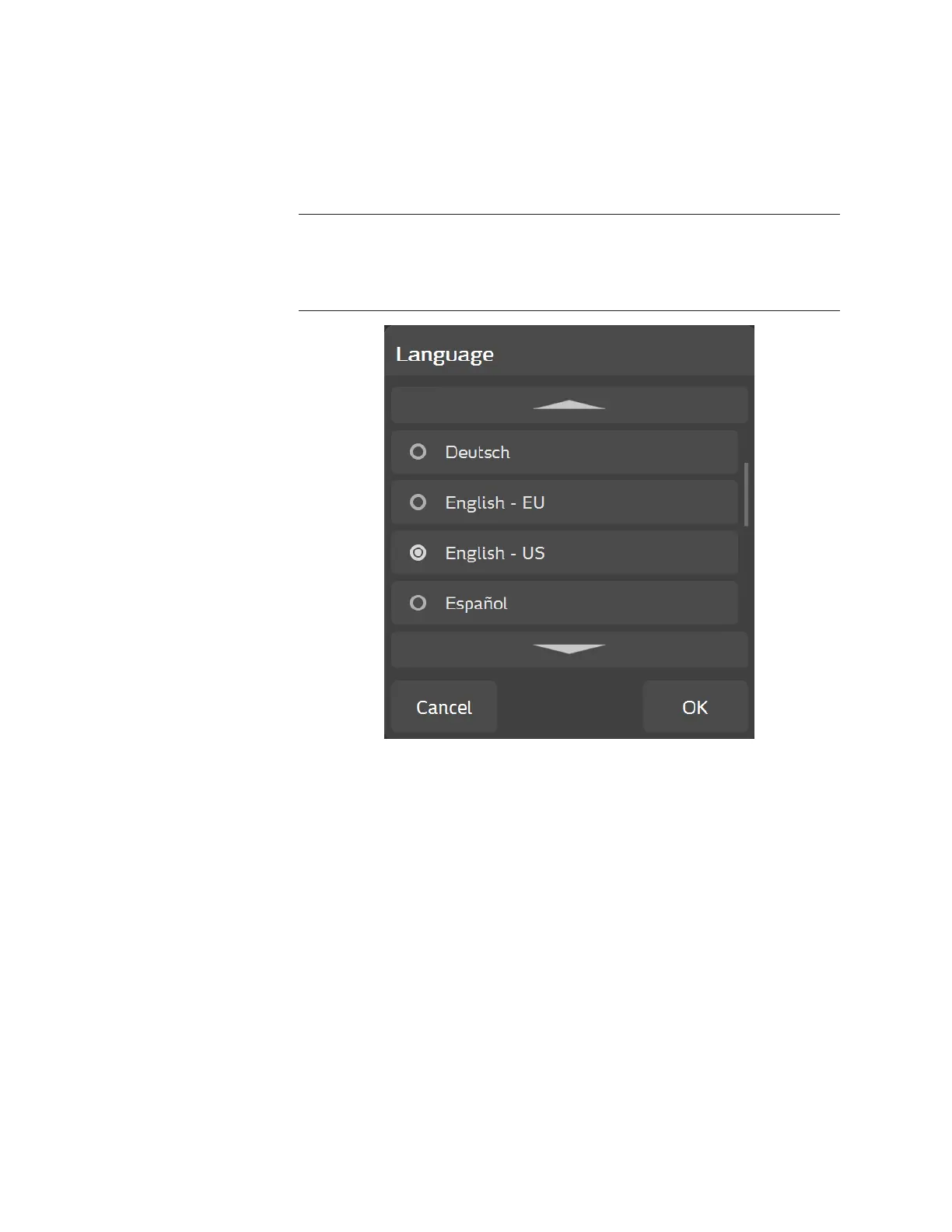
Press ACIST > System Settings > Language to display the language options
of the system soware. Use the Language pop-up window, (shown below), to
view or change the language of the soware user interface.
Note
The language selection also sets the decimal delimiter to a dot or a comma, whichever
is correct for the selected language. English - EU uses the comma delimiter instead of the
dot.
To change the language, use the arrows to scroll to the desired language
and press the desired language (the radio button next to the language you
selected activates, then press OK (or press Cancel to exit with no changes). e
soware user interface now appears in the language selected.



 To Next Page