System Information and Settings
ACIST RXi System User’s Guide | 67901700-001,01 2019-09 English
Additional Settings
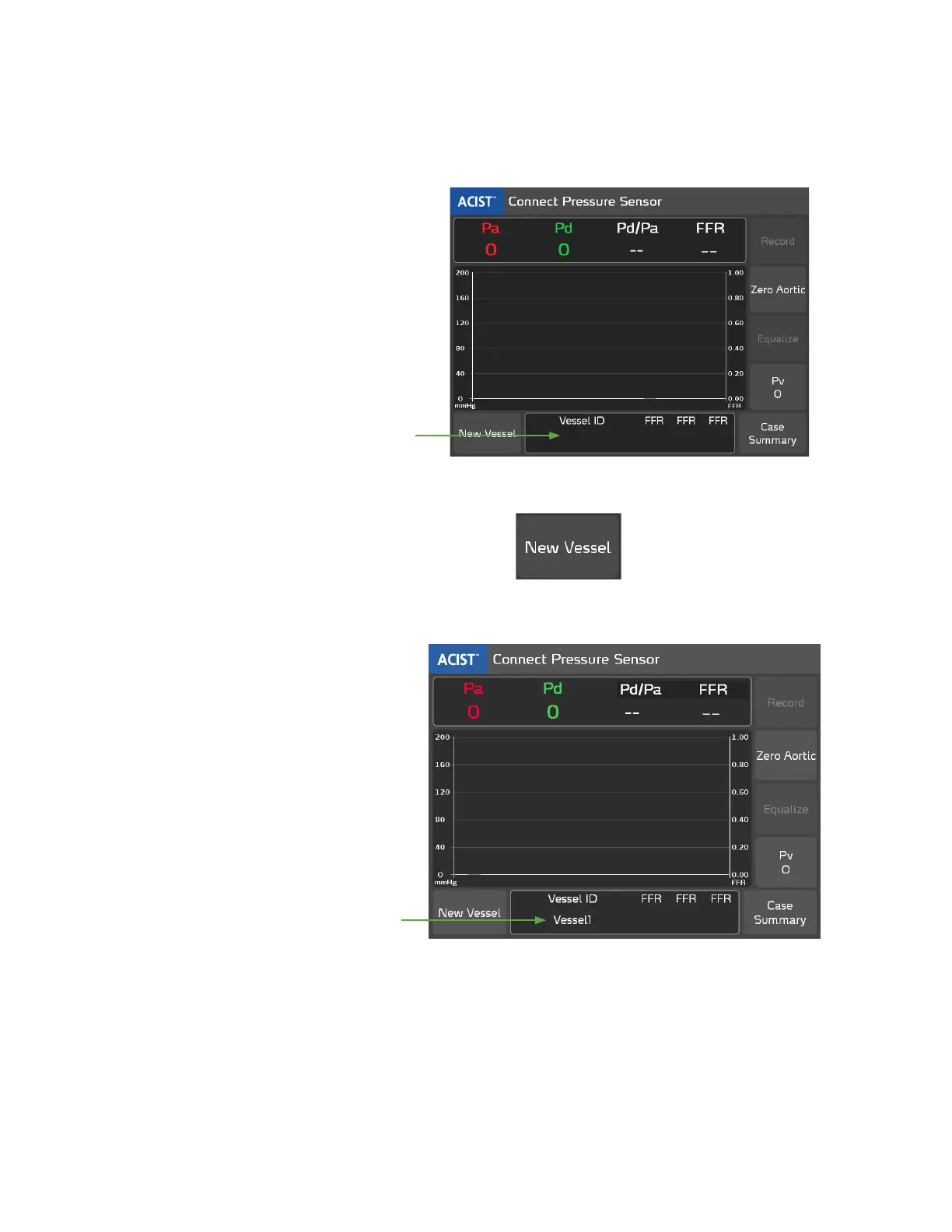
Dene a Vessel ID using the New Vessel Button
At the beginning of a new patient case, the Vessel ID eld is blank, as shown
below:
In this
example, the
Vessel ID eld
is blank.
Press the New Vessel button to dene a new Vessel ID:
e system displays Vessel1 as the default Vessel ID, as shown in the example
below:
In this
example,
the Vessel ID
eld displays
Vessel1.
Additional
Settings



 To Next Page