Additional Settings
68 | ACIST RXi System User’s Guide 901700-001,01 2019-09 English
System Information and Settings
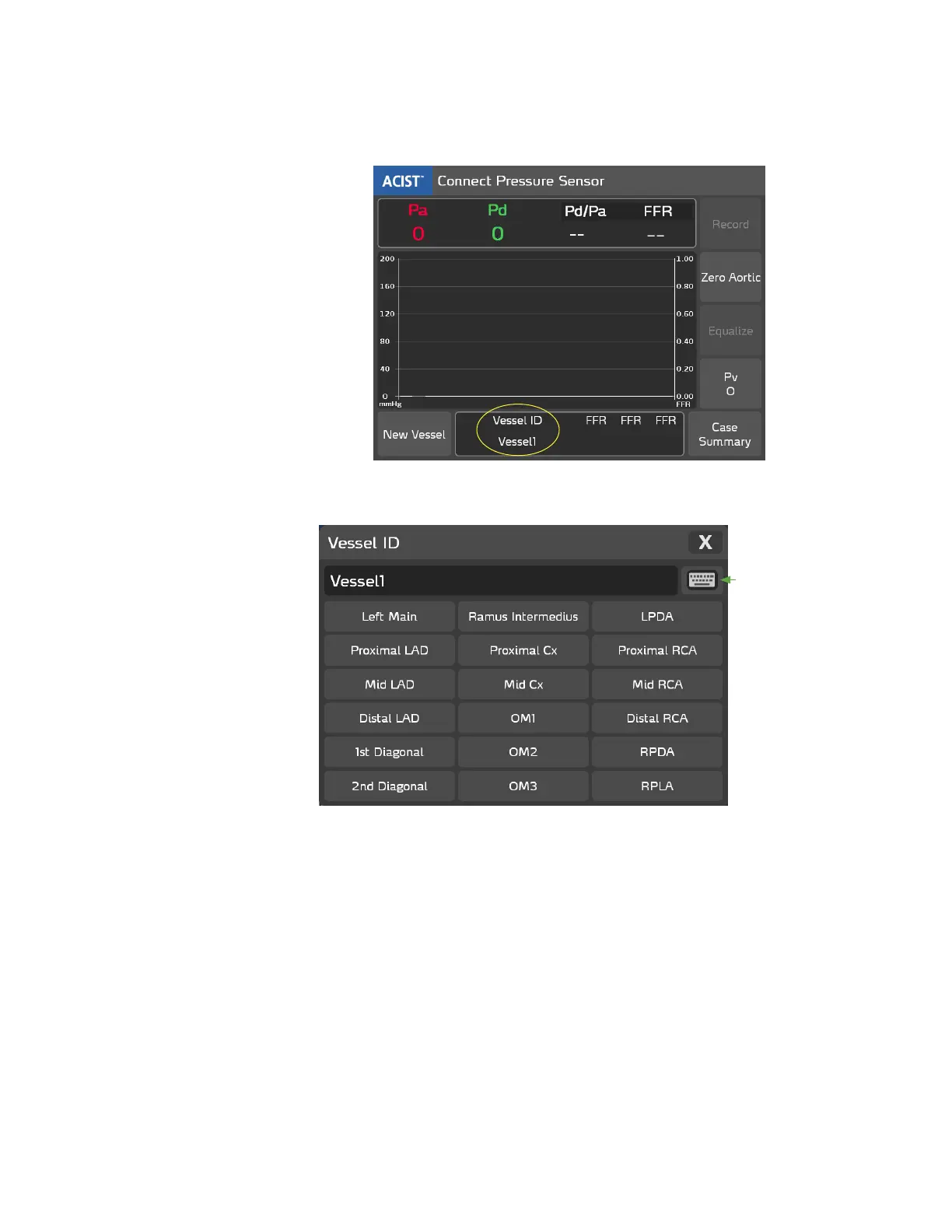
Select the Vessel ID Name
Press the Vessel ID eld.
e Vessel ID pop-up window displays 18 pre-dened vessel names. It also
provides a pop-up keyboard to enter custom vessel IDs, as shown below:
Keyboard
Icon
Press a Vessel ID from the displayed list to select a Vessel ID and close the
pop-up window. Or, press the keyboard icon and create a Vessel ID name as
described in the next section.



 To Next Page