System Settings
54 | ACIST RXi System User’s Guide 901700-001,01 2019-09 English
System Information and Settings
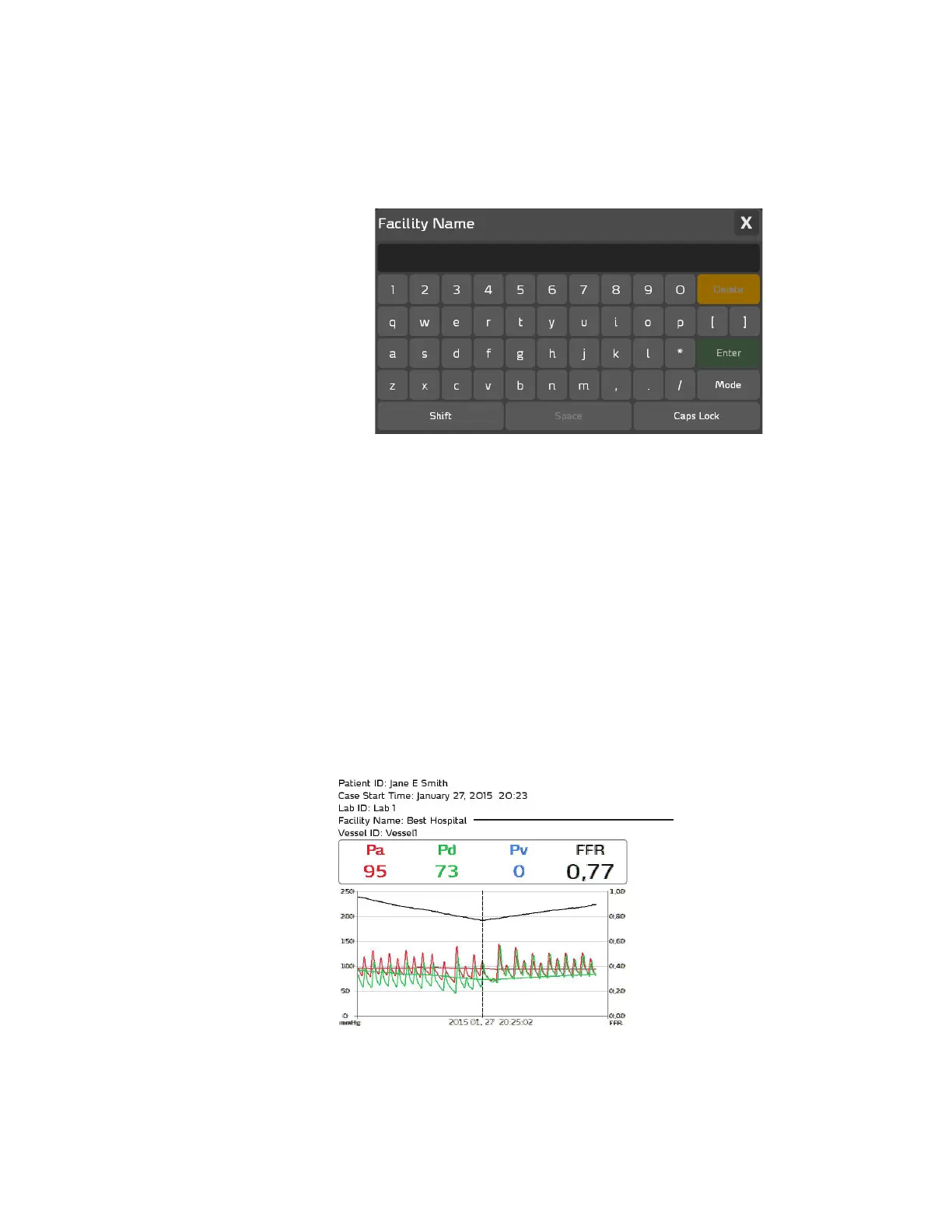
Enter or Modify the Facility Name
To associate a Facility Name, such as the hospital’s name or hospital’s ID
number, with an FFR patient recording case, press ACIST > System Settings >
Facility Name. e Facility Name pop-up keyboard appears as shown below:
Use the keyboard to enter the Facility Name. Use the buttons listed below to
perform the task associated with each button:
• the Delete button to delete a character
• the Shift button to enter a capital letter
• the Space button to enter a blank space
• the Caps Lock button to enter characters in all caps
• the Mode button to select alternate keyboard characters
When you have nished entering the Facility name, press Enter to close the
Facility Name pop-up keyboard. To close without making any changes, press
the X in the upper-right corner.
e Facility Name does not appear in the Case Summary. e Facility Name
displays only in the Exported Case Summary as shown in the example below:
The Facility Name
displays in the
Exported Case
Summary, which is
exported in JPG le
format



 To Next Page