System Information and Settings
ACIST RXi System User’s Guide | 57901700-001,01 2019-09 English
System Settings
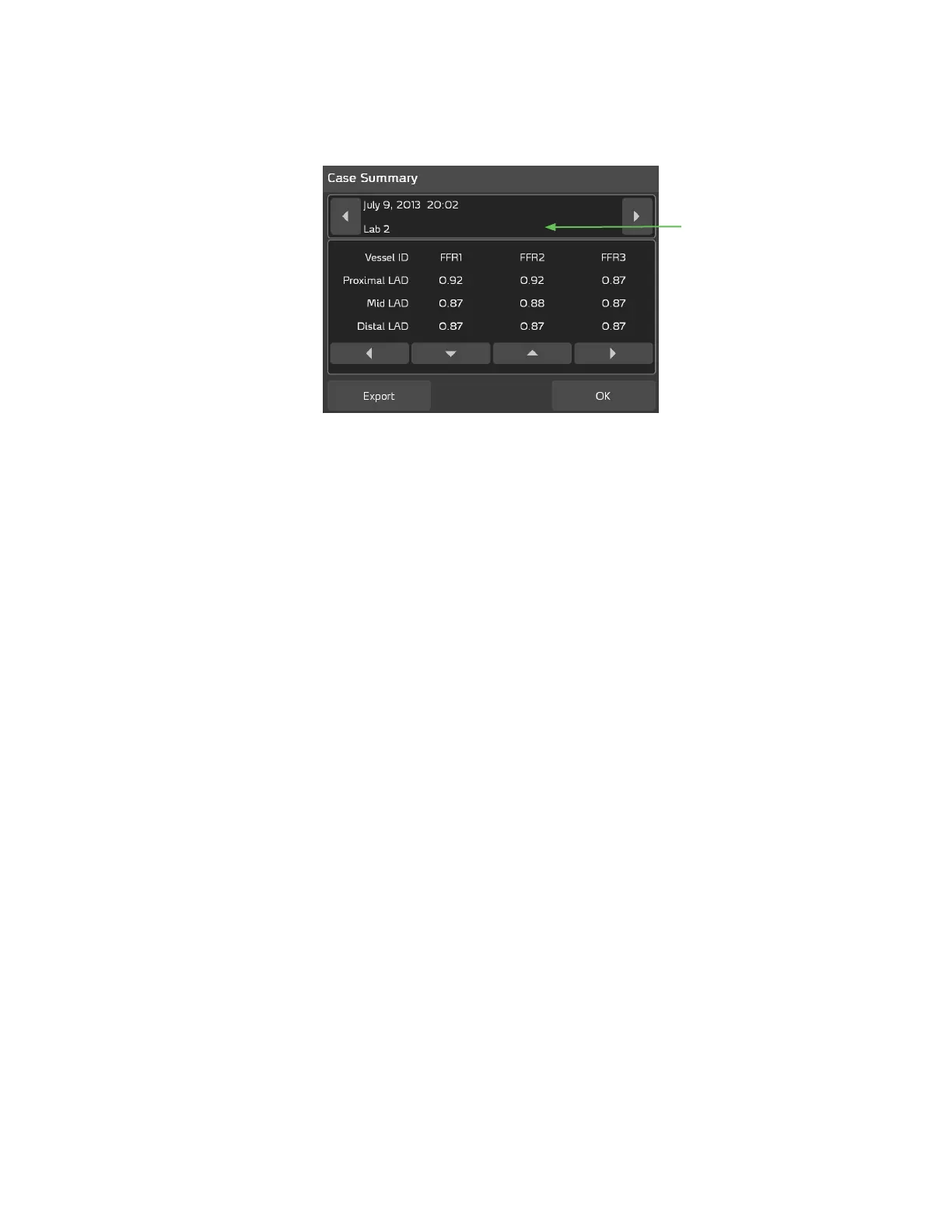
Lab ID in the Case Summary
e Lab ID appears in the Case Summary, as shown below:
The Lab ID displays
in the Case Summary
Use the arrow buttons as needed to scroll through the study dates, as well as
the list of studies.
Monitor Output Sensitivity Setting
Contact your ACIST Service Representative for assistance in adjusting the
Monitor Output Sensitivity setting.
is setting is adjusted at installation to match the system output voltage to
the hospital’s hemodynamic monitor, and should not be changed. It should be
modied only if necessary for compatibility to non-standard systems.



 To Next Page