System Information and Settings
ACIST RXi System User’s Guide | 61901700-001,01 2019-09 English
Adjust the Waveform Settings
Adjust the Screen Sweep Speed
Sweep speed is the range of hemodynamic waveform speeds selected by the
user.
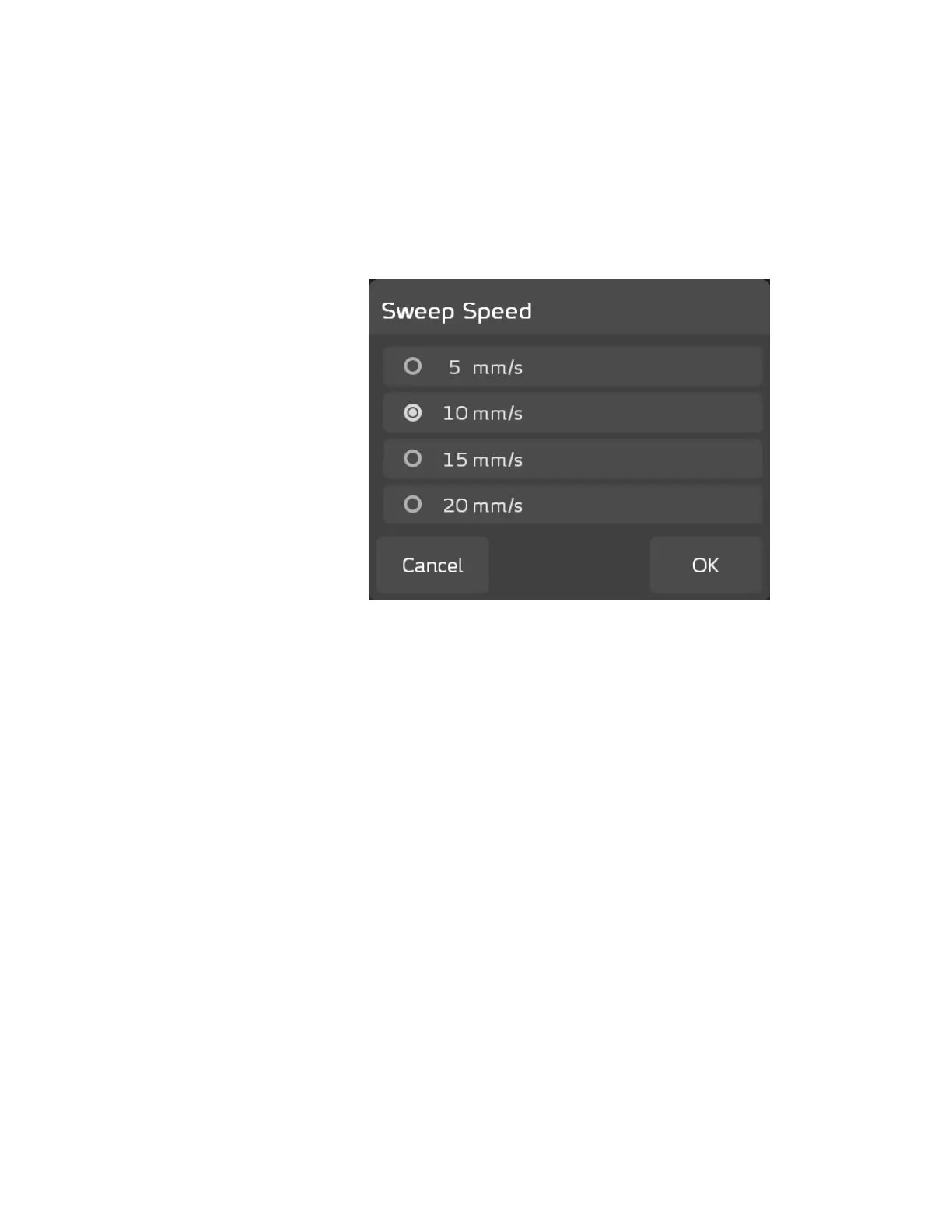
Press ACIST > Waveform Settings > Sweep Speed to view the Sweep Speed
pop-up window enabling you to adjust the sweep speed in the waveform
display area of the screen. Sweep speed options include 5, 10, 15, or 20 mm/s.
e default is 10 mm/s.
To change the sweep speed setting, press the radio button next to the preferred
sweep speed, then press OK. e system displays the pressure waveform based
on the adjusted setting. Press Cancel to exit without making changes.



 To Next Page