Create a Patient ID
64 | ACIST RXi System User’s Guide 901700-001,01 2019-09 English
System Information and Settings
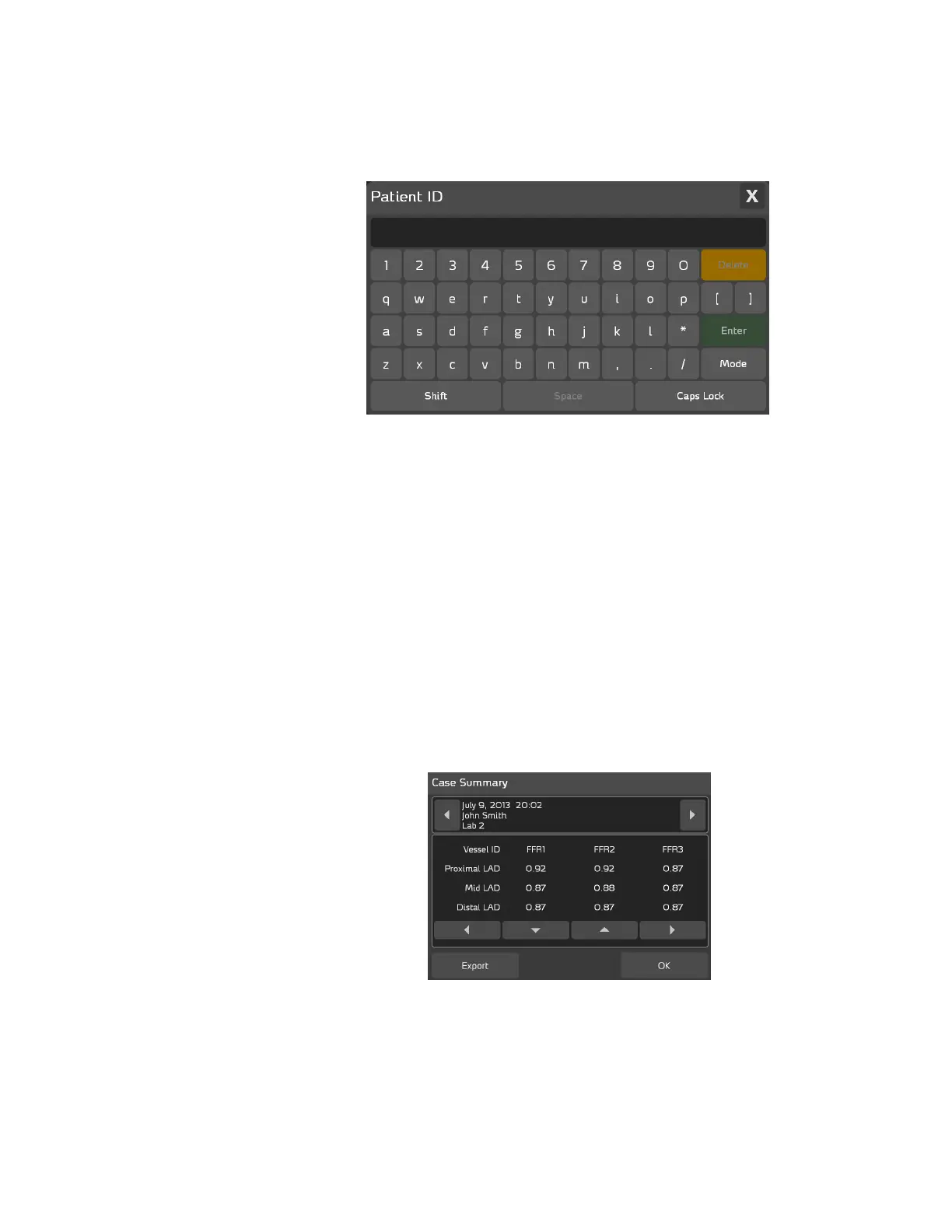
To associate a patient ID such as the patient’s name or hospital ID number
with a patient’s case, press ACIST > Patient ID. e Patient ID pop-up
keyboard appears as shown below:
Use the keyboard to enter the Patient ID. Use the buttons listed below to
perform the task associated with each button:
• the Delete button to delete a character
• the Shift button to enter a capital letter
• the Space button to enter a blank space
• the Caps Lock button to enter characters in all caps
• the Mode button to access an alternate character set
When you have nished entering the Patient ID, press Enter to close the
Patient ID pop-up keyboard. To close the keyboard without making any
changes, press the X in the upper right corner.
e Patient ID, which is the patient’s name (John Smith) in this case, appears
in the Case Summary, as shown below. Note that the Patient ID is displayed
only while the case is active.
Create a Patient
ID



 To Next Page