System Information and Settings
ACIST RXi System User’s Guide | 73901700-001,01 2019-09 English
Additional Settings
Adjust the Venous Pressure
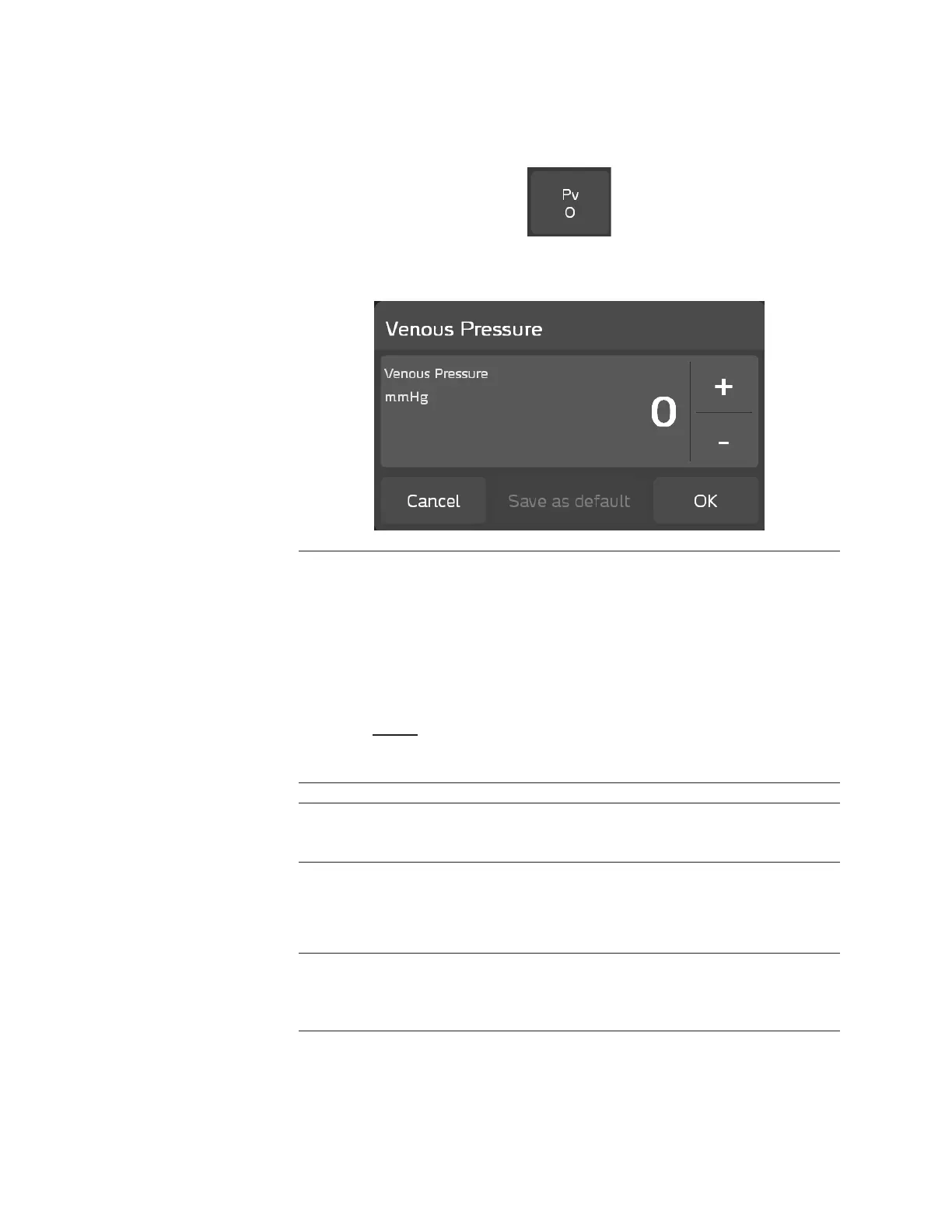
To adjust the venous pressure, press the Pv button from the main screen:
Use the plus (+) and minus (−) buttons in the Venous Pressure pop-up window
to adjust the venous pressure setting, within the range of 0 to 40 mmHg:
Note
All displayed calculations of resting Pd/Pa and FFR will include a correction for the
venous pressure (Pv) setting.
High venous pressure, which is a setting above 8 mmHg, will have a signicant impact
on FFR or resting Pd/Pa values.
A high Pv value results in lower FFR or resting Pd/Pa:
FFR =
Pd - Pv
Pa - Pv
Note
Resting Pd/Pa uses the same governing equation as FFR under a non-hyperemic state.
Press OK to use for the current case only, or press Save as default to use the
displayed setting for the current and future cases. Press Cancel to return to
the ACIST RXi System’s main screen.
Note
Every new case reverts to the default value, which is zero, unless it has been changed to
a dierent value.



 To Next Page