System Settings
52 | ACIST RXi System User’s Guide 901700-001,01 2019-09 English
System Information and Settings
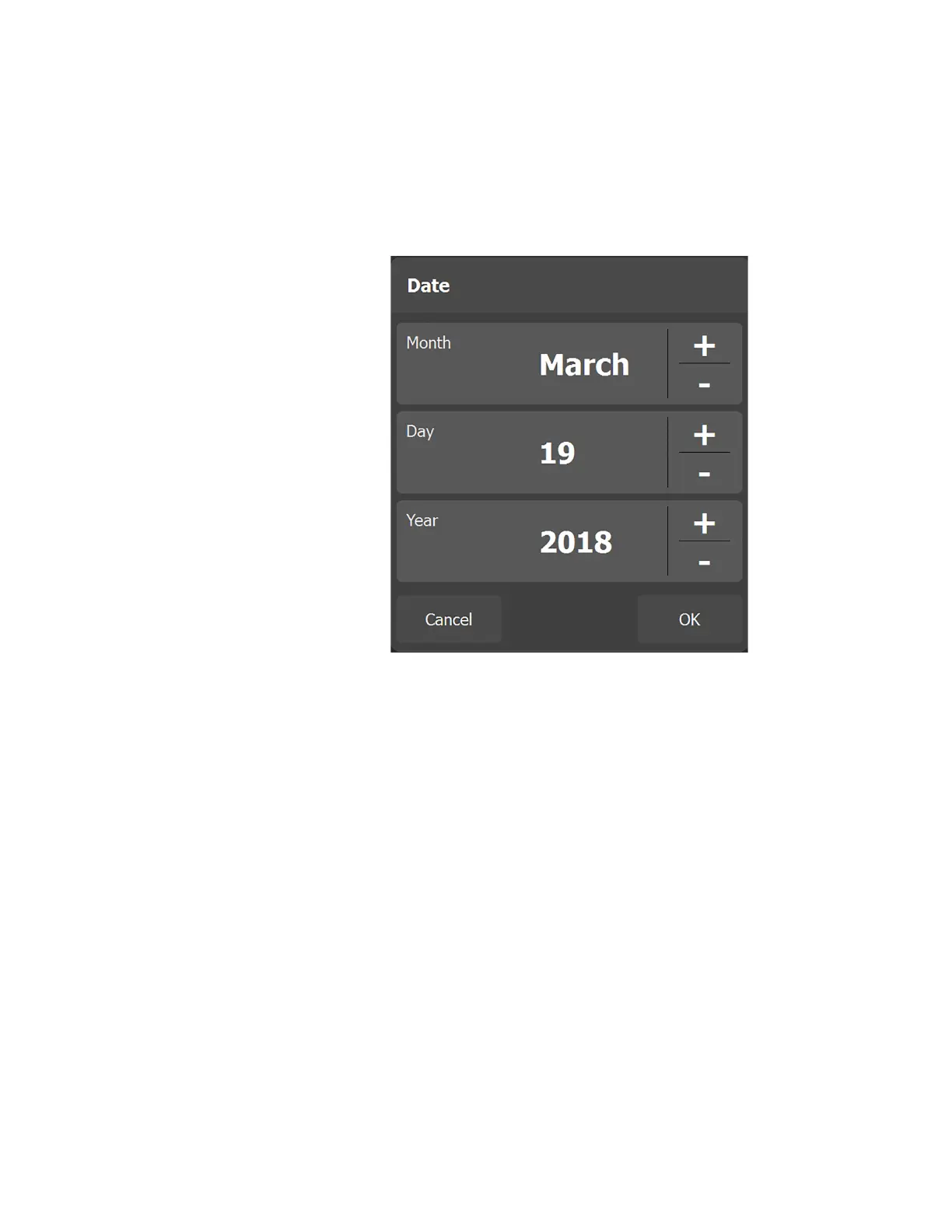
Adjust the Date Setting
e current date is displayed in the Date/Time eld of the System Information
pop-up window. To adjust the date, press ACIST > System Settings > Date.
Use the plus (+) and minus (-) buttons to adjust the Month, Day, and/or Year
settings, then press OK to accept the new date, or Cancel to exit without
making changes.



 To Next Page