Adjust the Waveform Settings
62 | ACIST RXi System User’s Guide 901700-001,01 2019-09 English
System Information and Settings
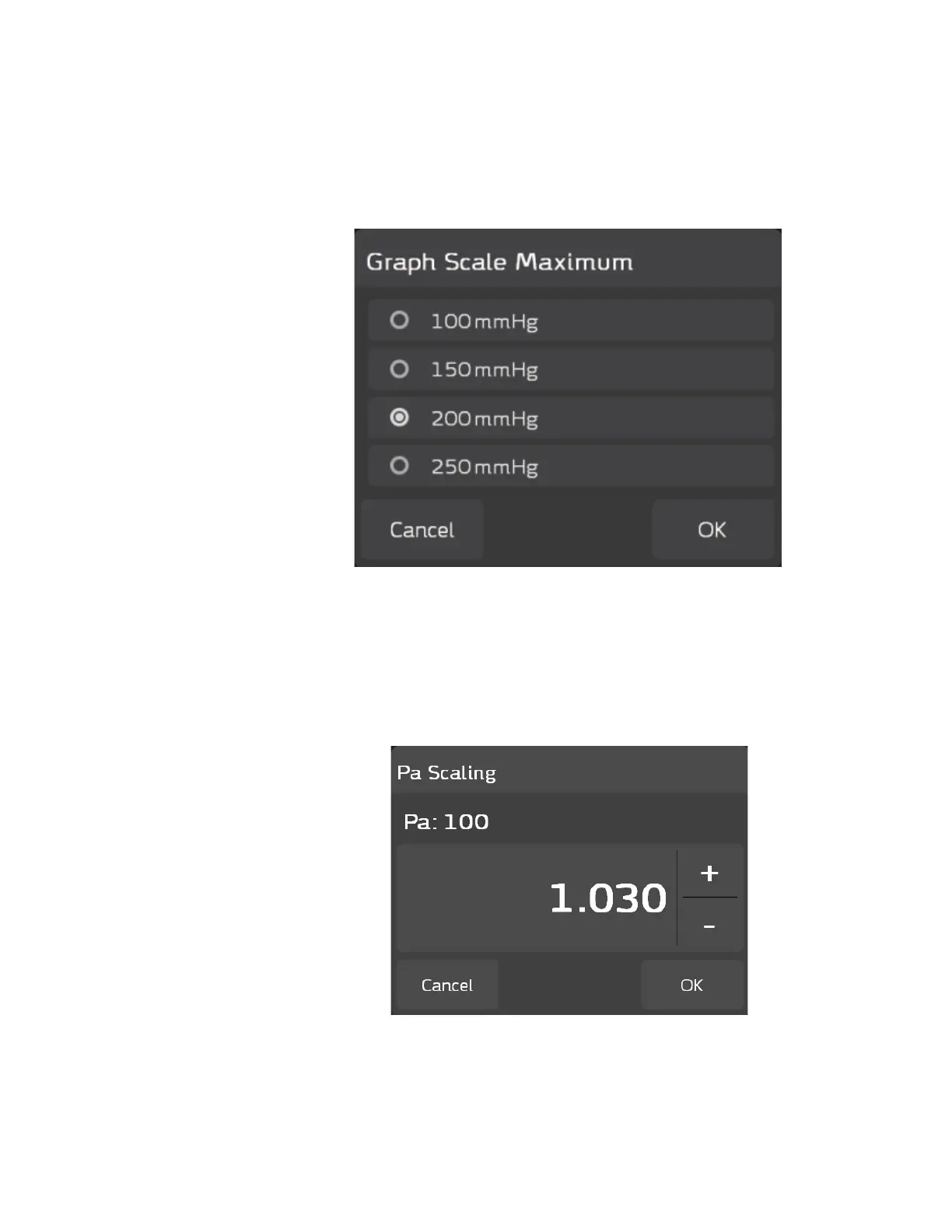
Adjust the Graph Scale Maximum
Press ACIST > Waveform Settings > Graph Scale Maximum to view the
Graph Scale Maximum pop-up window. is window enables you to adjust
the maximum mmHg units displayed in the waveform graph. e default is
200 mmHg.
To change the graph scale maximum setting, press the radio button next to the
preferred setting, then press OK. e system displays the pressure waveform
based on the adjusted setting. Press Cancel to exit without making changes.
Pa Scaling
Press ACIST > Waveform Settings > Pa Scaling to view the Pa Scaling pop-
up window. is window enables you to perform Pa Scaling (if required).
If the Pa value displayed is equal to or within ± 1 mm Hg of the Pa value on
the hemodynamic system, it is not necessary to perform Pa scaling (press
Cancel to exit). If the dierence in these values is greater than 1 mm Hg, Pa
Scaling is required. Refer to page 27 for detailed instructions on performing
Pa Scaling.



 To Next Page