Maintenance
ACIST RXi System User’s Guide | 79901700-001,01 2019-09 English
Daily Cleaning
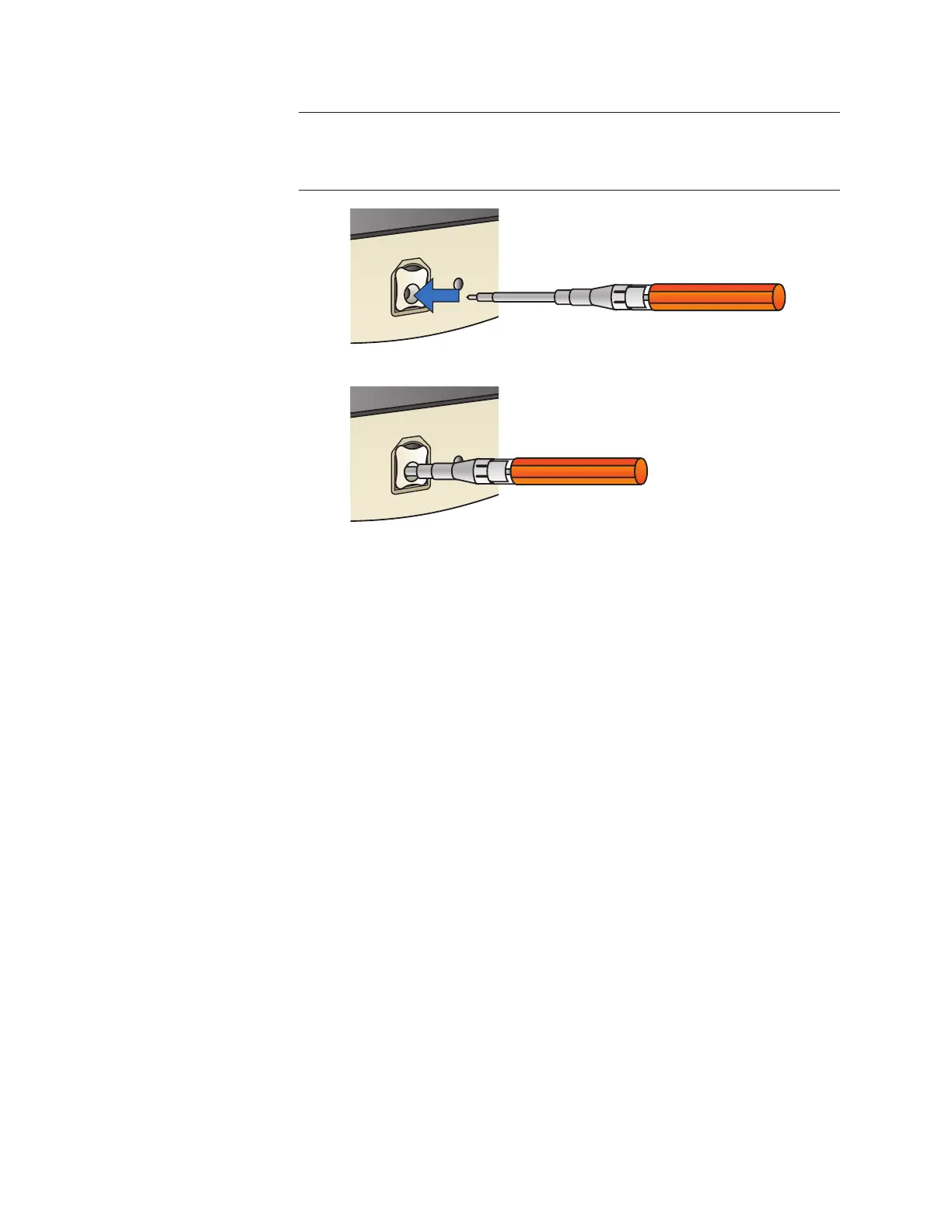
Note
It is important to fully depress the cleaner to ensure the cleaning lament works
properly.
6. Remove the ber optic cleaner from the PIM assembly.
7. Clean and disinfect the lament and any portion of the cleaner that
potentially came in contact with the PIM assembly.
8. Replace the white adapter cap on the cleaner.
9. Remove the PIM door opener from the PIM assembly.



 To Next Page