ECD-1000 Product Manual
124
3.10 Managing the System Log
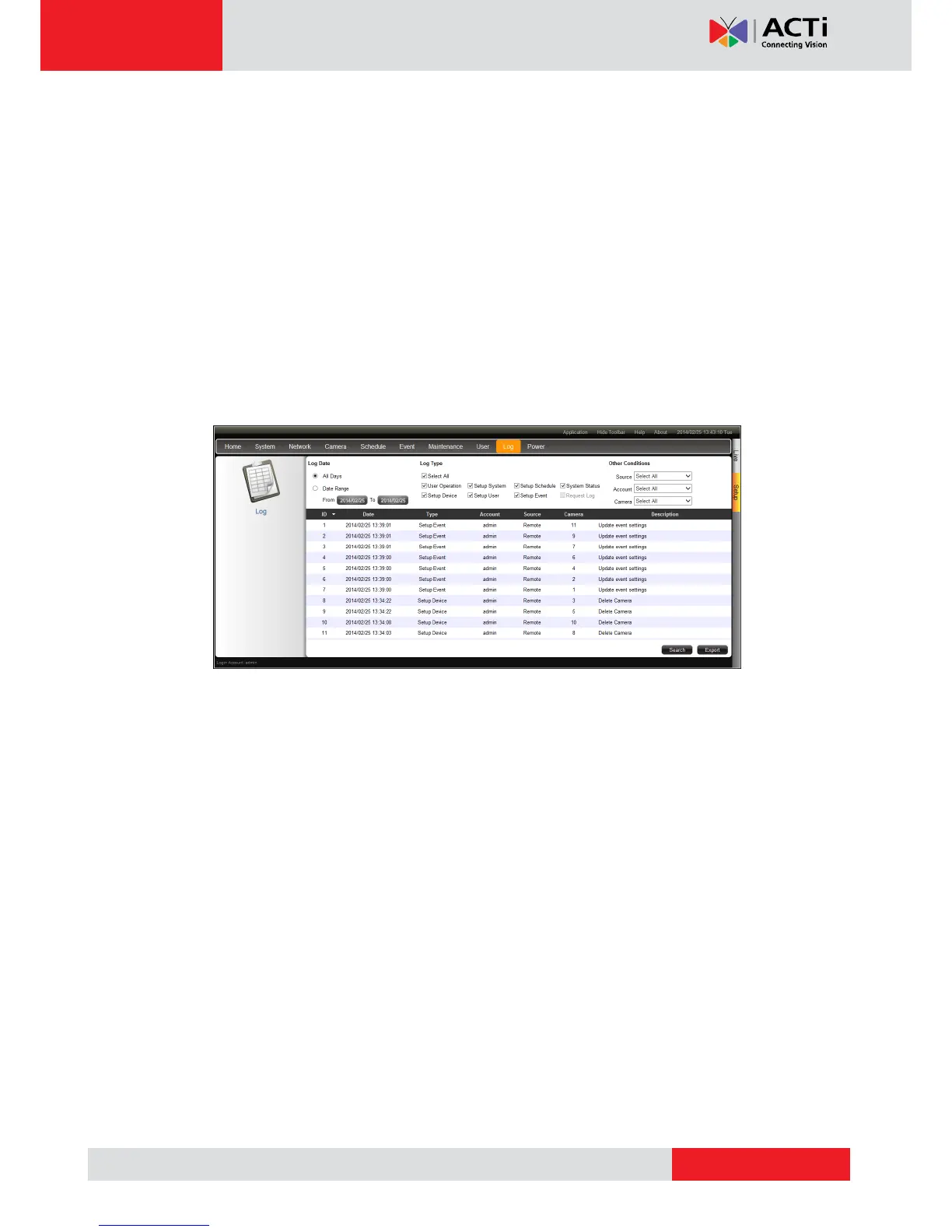
The Log page allows users to view the Decoder activity log and save a log report as an XML
file. The Decoder saves the latest 3000 logs. Logs can be filtered according to date and the
source of activity.
1. On the Setup screen, click Log.
2. To filter according to date, select All Days to display all the logs or select Date Range and
click the date to change the date.
3. To filter by source of activity, check or uncheck the filter under Log Type. Or, select the
options under Other Conditions for more filtering options.
4. Click Search to start the search.
5. To save the log report, click Export.
6. Browse for the target location and save the log report file (*.xml).
7. When log export is complete, click OK.
8. To refresh the list, click Refresh.
3.11 Rebooting the Device
1. On the Setup screen, click Power.
2. Click Reboot.
3. When the confirmation message appears, click OK to reboot.
NOTE: All video streams will be lost for a few seconds until the Decoder completes the
reboot process.



 To Next Page