ECD-1000 Product Manual
73
The Setup Wizard
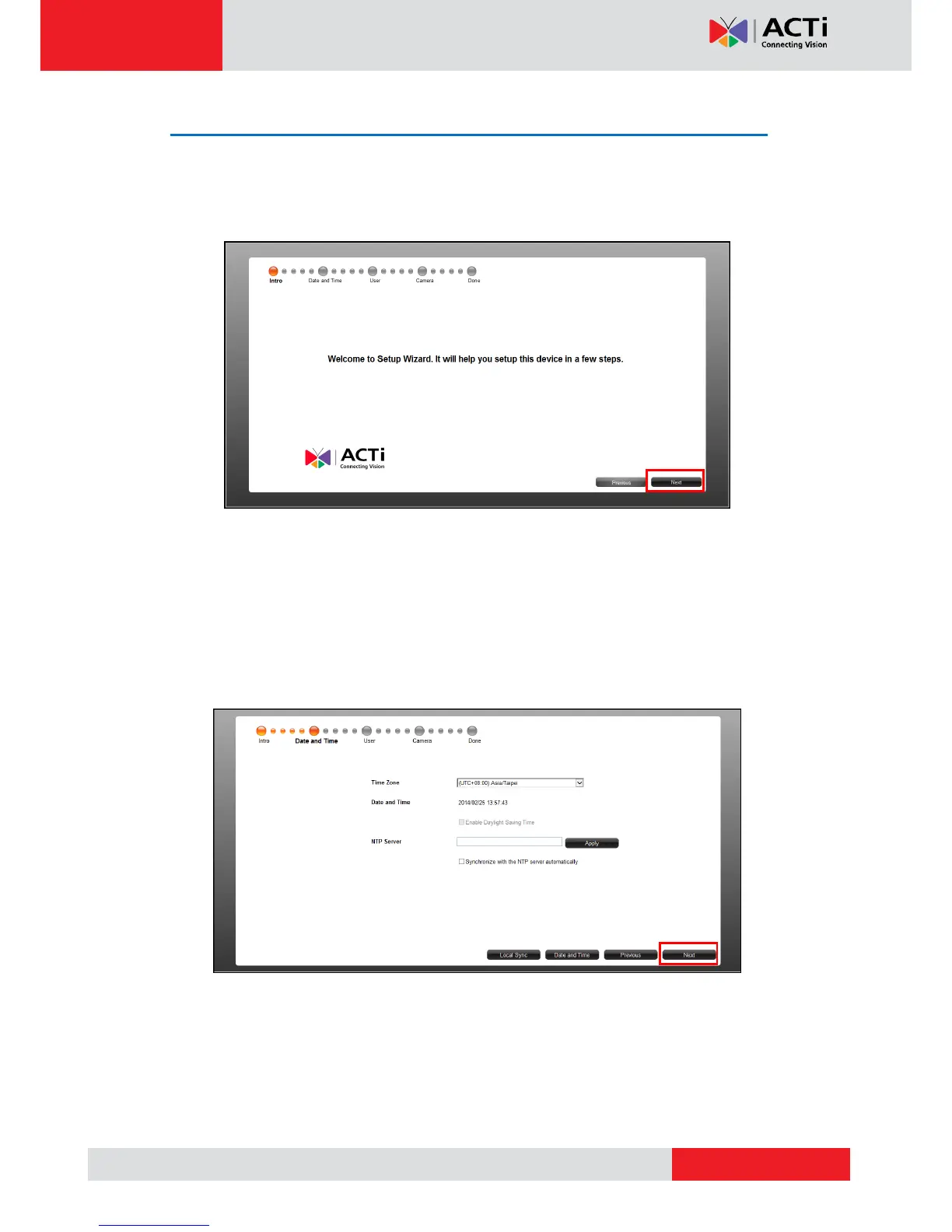
When accessing the Decoder for the first time on a client computer, the Setup Wizard appears
to facilitate easy camera connection. All settings can still be modified in the Setup screen.
1. Click Next.
2. Set the date and time by one of the following options:
Select the Time Zone.
Sync with an NTP Server.
Click the Local Sync button to sync with the client computer date and time.
Click the Date and Time button to set the date and time manually.
3. Click Next to continue.



 To Next Page