ECD-1000 Product Manual
98
Obtaining the IP Address Automatically
If your network has a DHCP server, the Decoder will automatically be assigned an IP address.
However, in case the Decoder does not detect the DHCP connection, perform the following
procedures to obtain the IP address:
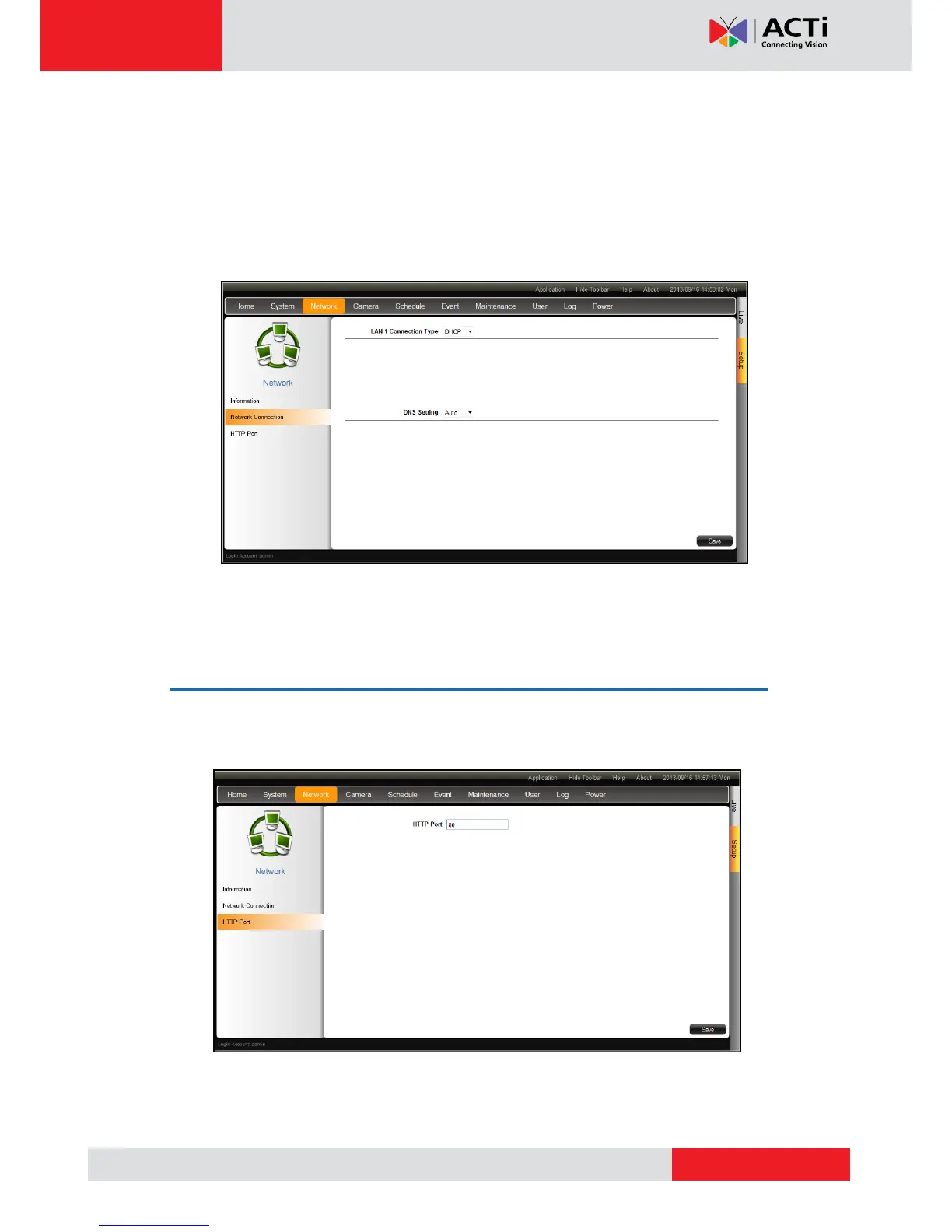
1. On the Setup screen, click Network > Network Connection.
2. On Connection Type, select DHCP.
3. Leave the default DNS Setting as “Auto”.
4. Click Save.
Configuring Port Mapping
By default, the Decoder port number is 80. To change this value, click Network > Port
Mapping on the Setup screen. Click Save to apply and save the changes.



 To Next Page