ECD-1000 Product Manual
43
2.6 Configuring System Settings
System Information
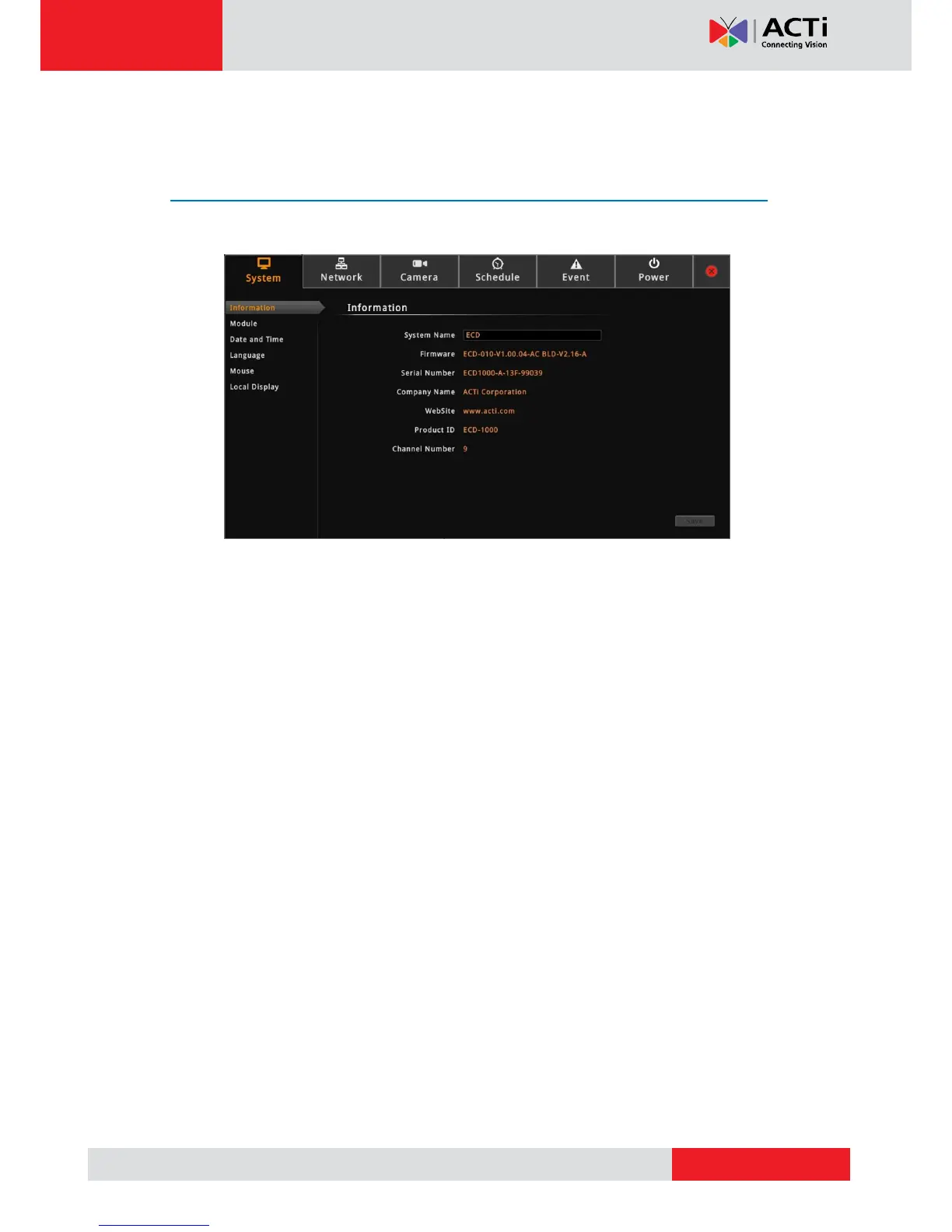
On the Setup screen, click System.
The system information is displayed.
System Name: Name assigned to the Decoder; can be modified. To modify the System
Name, click the box and use the on-screen keyboard to enter the characters.
NOTE: The system name can be up to 10 alphanumeric characters only.
Firmware: System firmware version.
Serial Number: Product serial number.
Company Name: Name of the Decoder manufacturer.
Product ID: Product model name.
Channel Number: Maximum number of supported cameras.



 To Next Page