ECD-1000 Product Manual
22
2.1 Accessing for the First Time
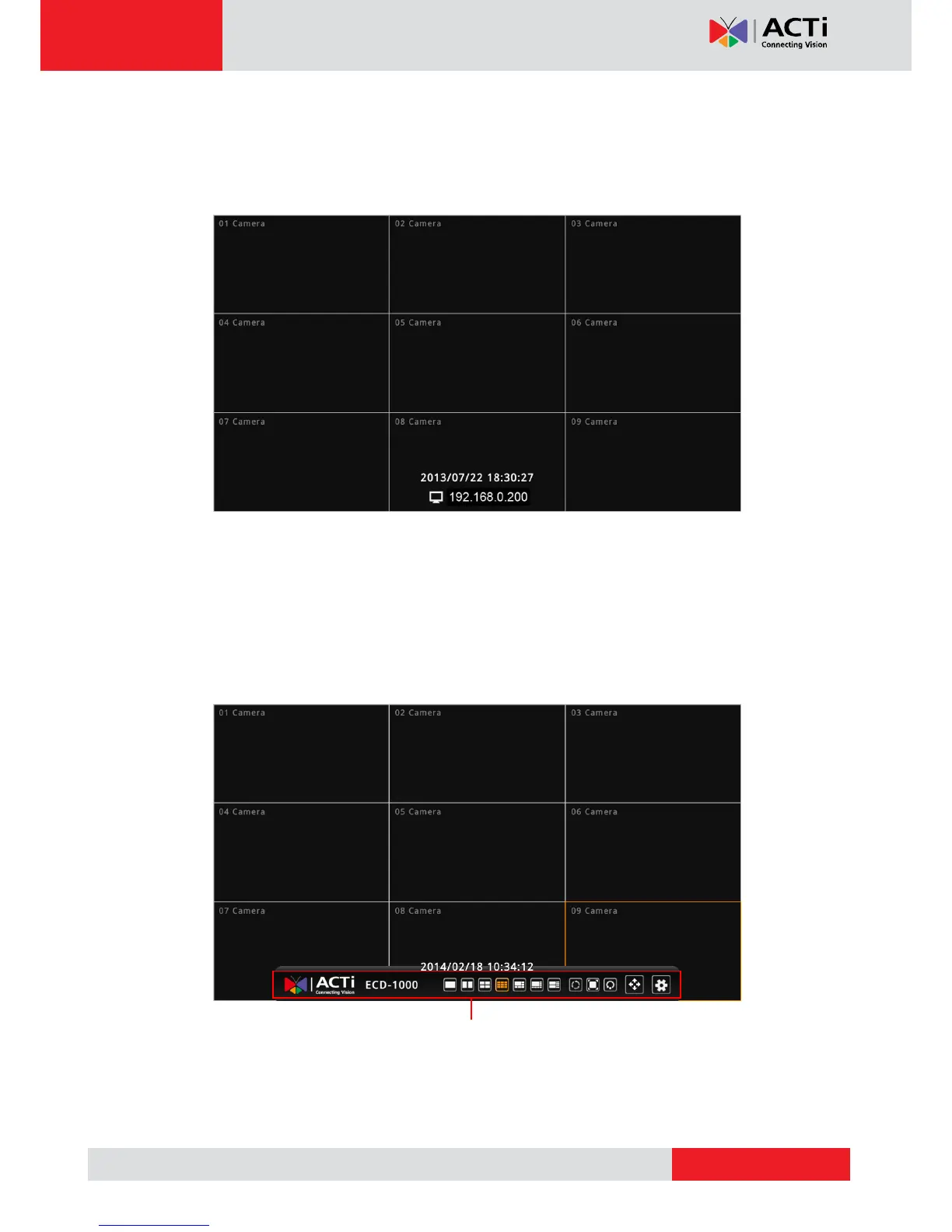
Once all devices are connected, turn on the monitor to see the Live View screen.
The Decoder comes with a default static IP address of 192.168.0.200. If your network has a
DHCP server, the Decoder will automatically switch the connection type to DHCP and be
assigned an IP address.
Use the USB mouse to navigate through the user interface. Move the mouse cursor towards
the bottom of the screen to display the Menu Panel.



 To Next Page