2.8 Configuring the Cameras
The Camera Setup Page
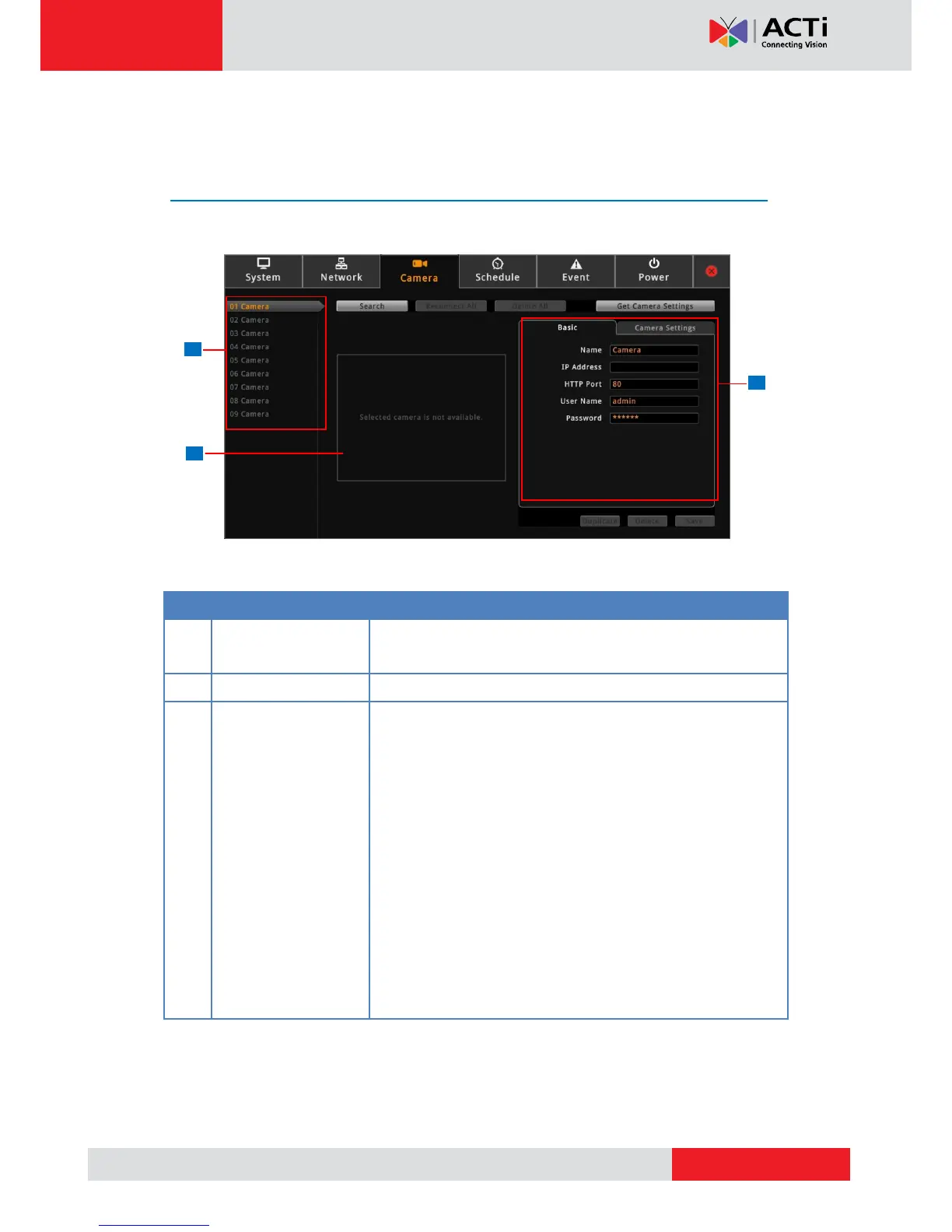
On the Setup screen, click Camera.
Displays the camera connection and streaming properties. It
has two page tabs:
Basic: Displays the connection properties, such as the IP
address, HTTP port, User Name (account) and Password
used to access the camera. You can also use this page to
manually add a camera by entering these properties. See
Adding Cameras on page 53.
Camera Settings: Displays the camera video streaming
properties, such as Channel ID, Resolution, Encoder, etc.
These properties can be modified on the Decoder and will
also take effect on the camera side. See Modifying
Camera Settings on page 59.



 To Next Page