ECD-1000 Product Manual
91
3.4 Configuring the System Settings
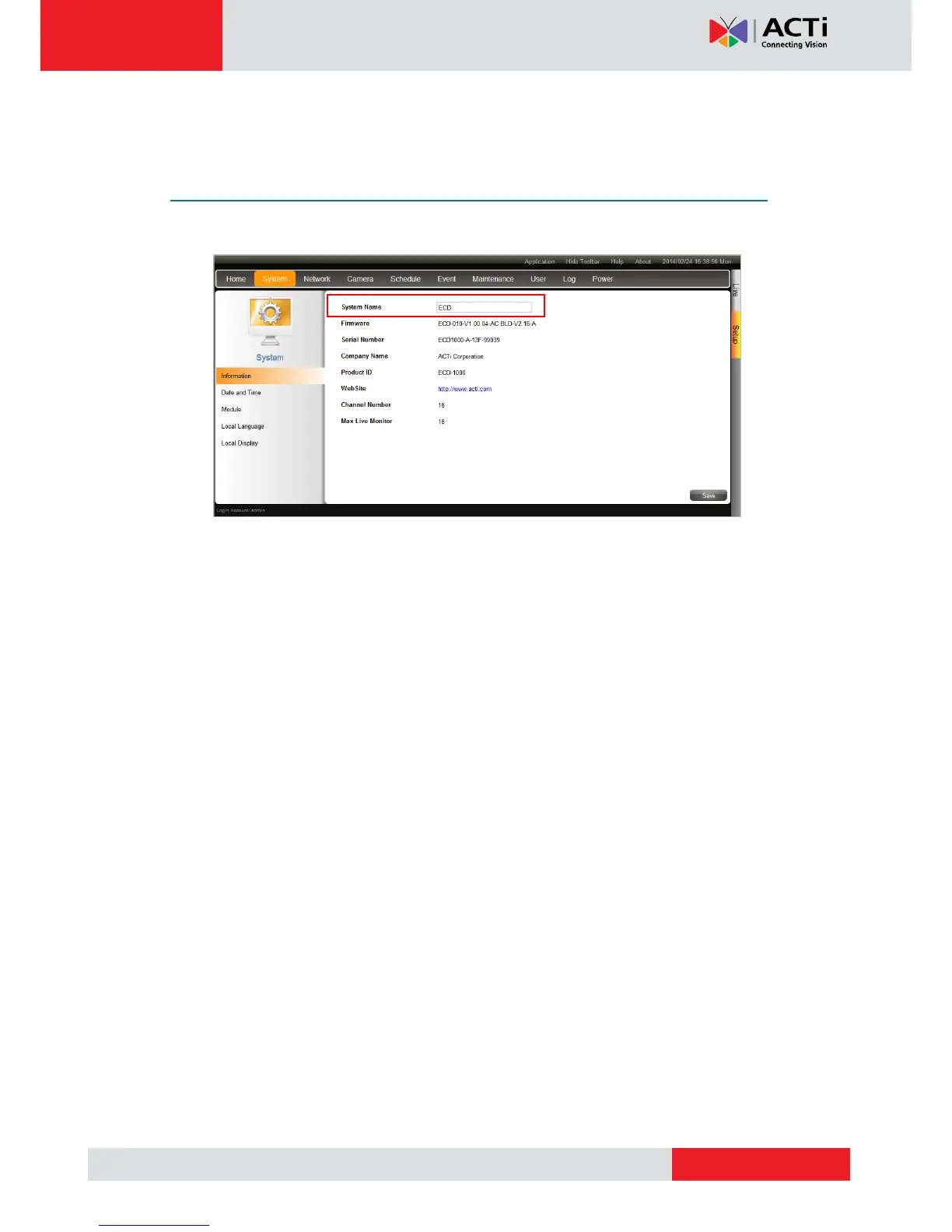
System Information
On the Setup screen, click System.
The system information is displayed.
System Name: Name assigned to the Decoder; can be modified. To modify the System
Name, type the preferred name on the box. Click the Save button at the bottom of the
screen to apply and save changes.
NOTE: The system name can be up to 10 alphanumeric characters, spaces and
symbols are not allowed.
Firmware: System firmware version.
Serial Number: Product serial number.
Company Name: Name of the manufacturer.
Product ID: Product model name.
WebSite: Click the website to access the manufacturer website.
Channel Number: Maximum number of supported cameras.
Max Live Monitor: Maximum number of supported live channels.



 To Next Page