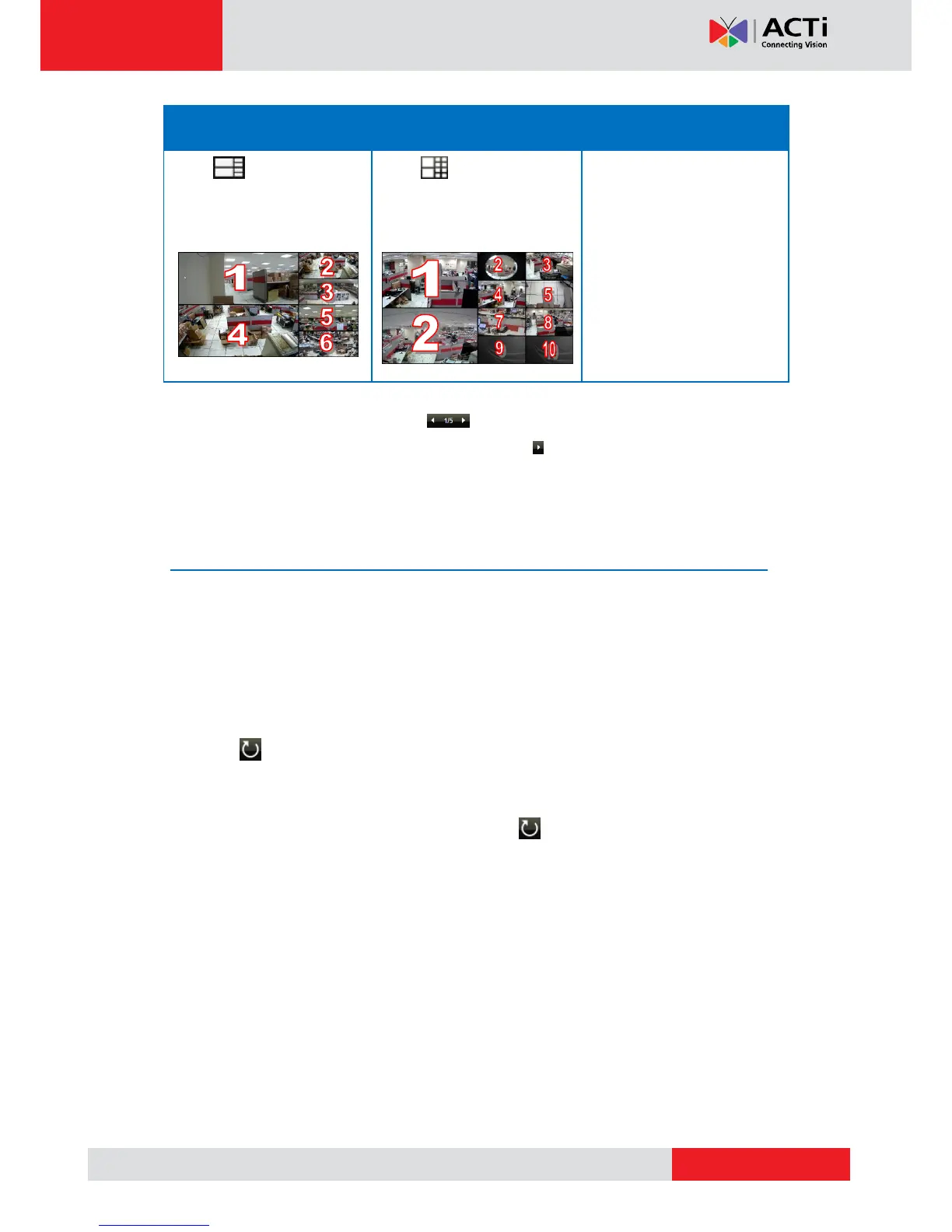
To view succeeding channels, use the icon. For example, if viewing on a 2-channel
layout, and you want to view the next 2 channels, click . Or, click on the number and select
the page to view.
Patrolling Channels
Instead of viewing all 9 channels at the same time, users may want to view one channel in full
screen or two channels at a time and scroll through all the channels alternately. To do this,
follow the procedures below:
1. Select the desired window layout for patrolling (i.e. Layout 1 for full screen or Layout 2 for
two channels at a time, etc.).
2. Click to start Sequence Patrol.
3. By default, 3 seconds is the interval between changing one screen to another. If necessary,
type a different number to modify the interval time.
4. Sequence Patrol starts. To stop the patrol, click again.



 To Next Page