ECD-1000 Product Manual
66
6. Click Save to save the configurations. The Decoder will demonstrate and emit the beep
sound as configured.
Copying Event Schedule Settings
Instead of manually modifying the event schedule and beep settings on all cameras one by
one, users can copy the settings to other channels.
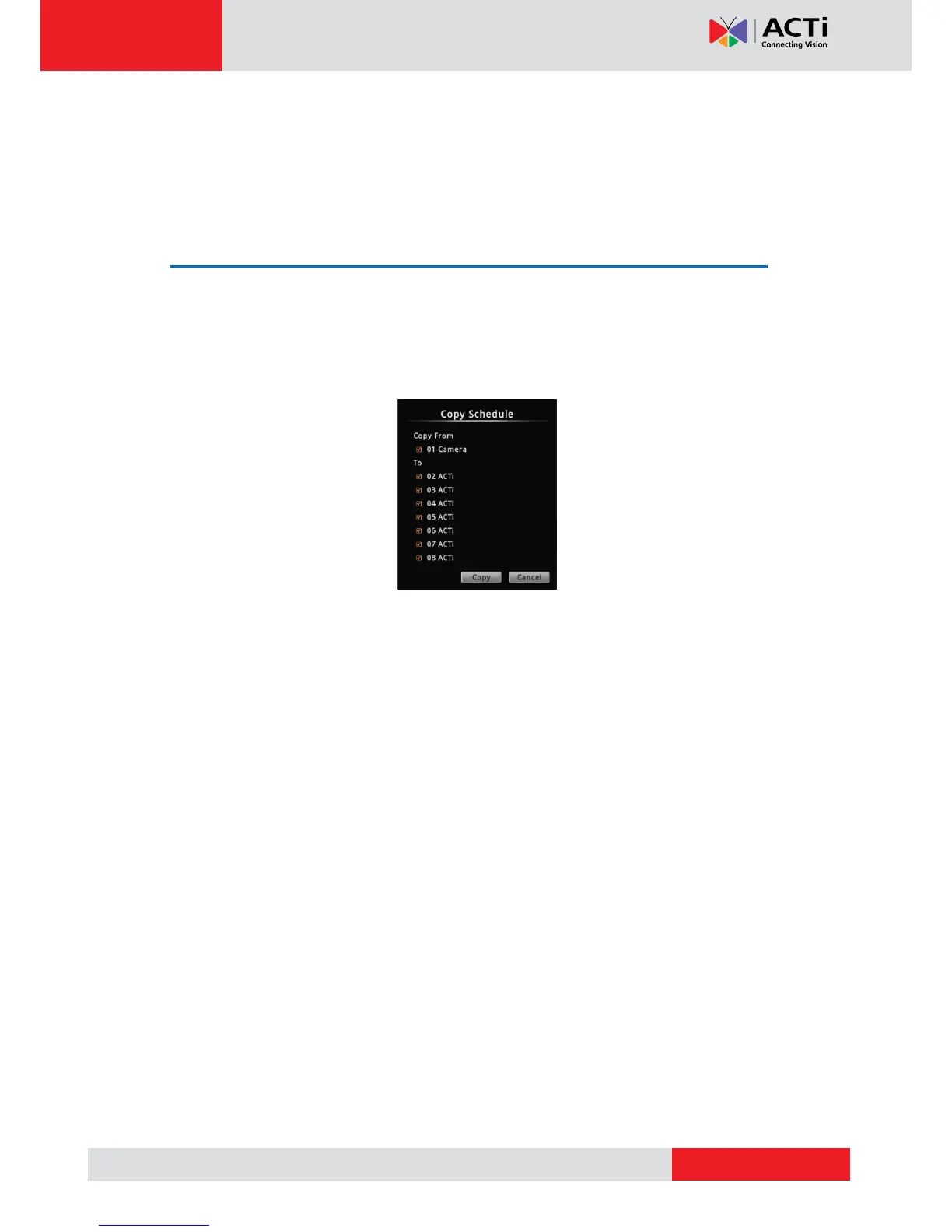
1. After setting the event schedule or beep settings, click Copy. The Copy Schedule window
appears.
2. Check to select the camera(s) under To.
3. Click Copy. The current camera event schedule or beep settings will be copied to the
selected camera(s) under To.
4. A message appears when copy is complete. Click OK to close the window.



 To Next Page