ECD-1000 Product Manual
54
NOTE: The Decoder supports third-party cameras. To validate specific camera models that
can be integrated, visit our website (http://www.acti.com/3rdpartycamera).
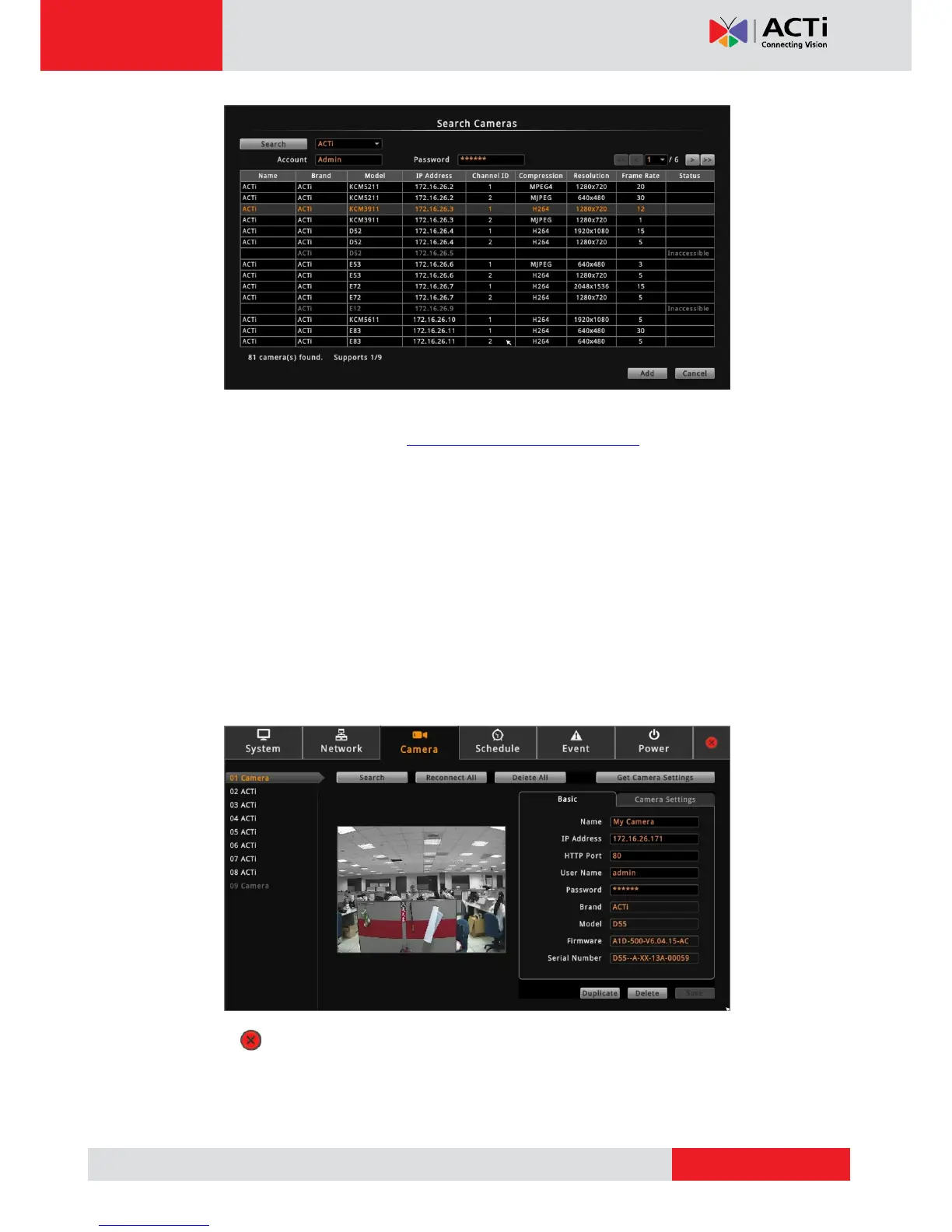
5. Click one or more cameras to select. Selected cameras appear in orange text.
NOTE: The Status column shows the status of the camera:
Inaccessible: The camera account or password may be different from what
you have entered on Account and Password fields. So that camera cannot
be accessed.
In Use: The camera is already added to the Decoder for live viewing.
6. Click Add to add the selected cameras to the Decoder for live viewing. The cameras are
then displayed on the Camera List panel.
7. Click to close the Setup screen. The Live View screen displays the live view of the
selected cameras.



 To Next Page