ECD-1000 Product Manual
56
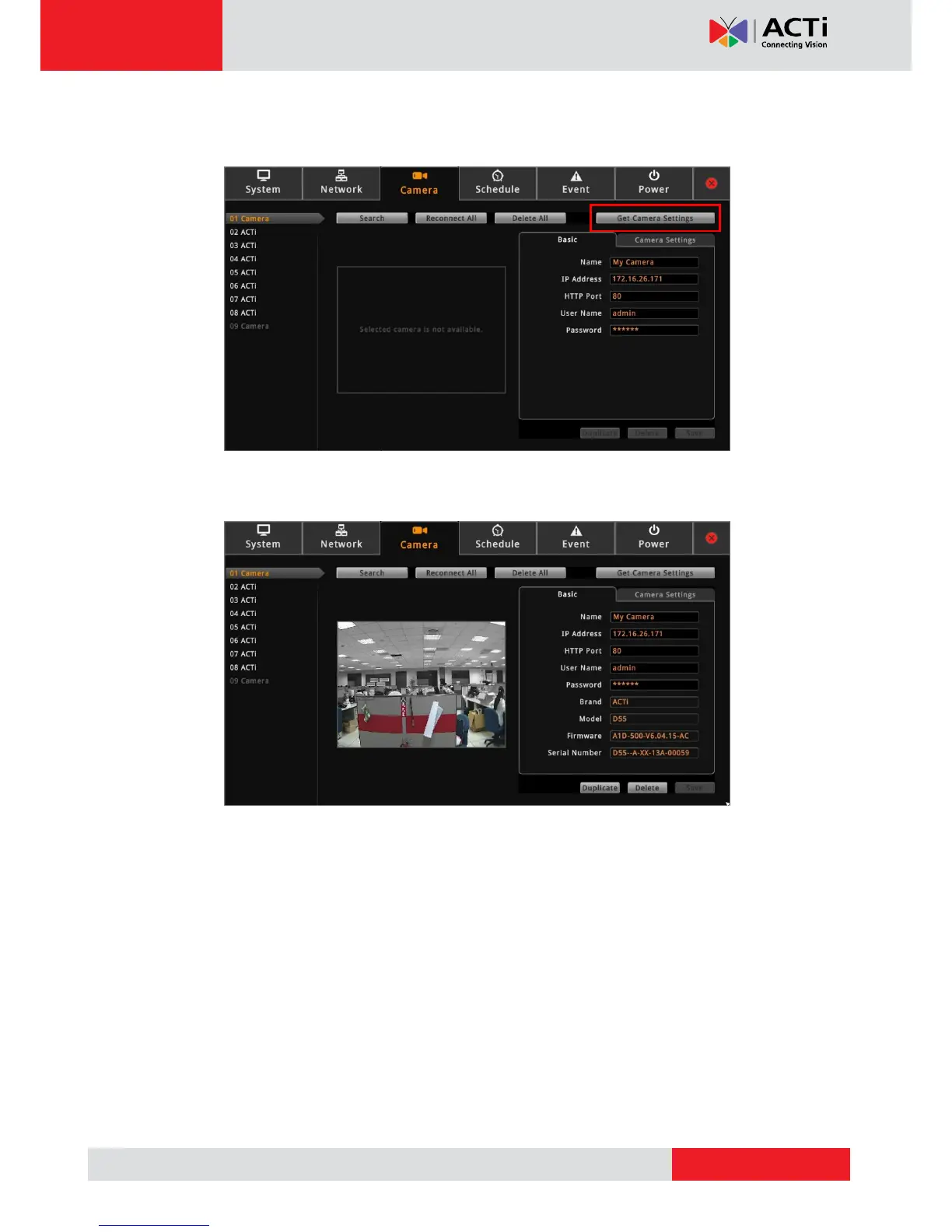
5. Click Get Camera Settings. The decoder connects and retrieves the camera settings. At
this point, nothing is shown on the Display window yet.
6. Click Save.
Once camera settings are saved, the camera Live View is shown on the Display window.
TIP: Use the Duplicate button to add another camera with almost similar camera settings
to another channel, see Duplicating Cameras on page 58.



 To Next Page