ECD-1000 Product Manual
58
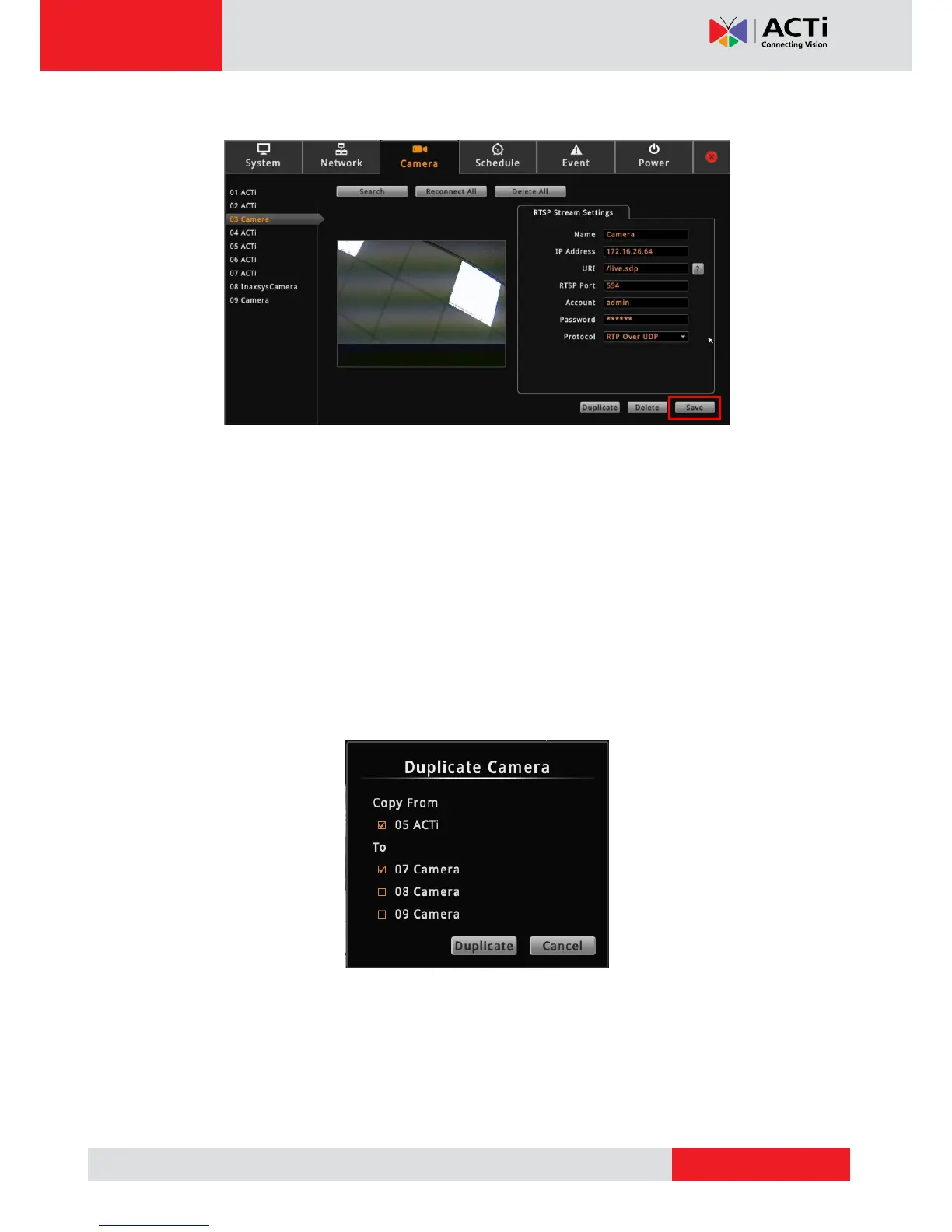
5. Click Save.
TIP: Use the Duplicate button to add another camera with almost similar camera settings
to another channel, see Duplicating Cameras on page 58.
Duplicating Cameras
Use this function to add another camera with almost the same camera settings as the selected
camera. So instead of entering all the information one by one, duplicate the camera settings
first and then modify afterwards. However, to use this function, there must be at least one
available channel without a connected camera.
1. On the Camera page, select the camera you want to duplicate on the Camera List panel,
and then click Duplicate.
2. Available channels are shown under To. Check the box(es) of the channel(s) to copy the
camera settings to.
3. Click Duplicate.



 To Next Page