ECD-1000 Product Manual
77
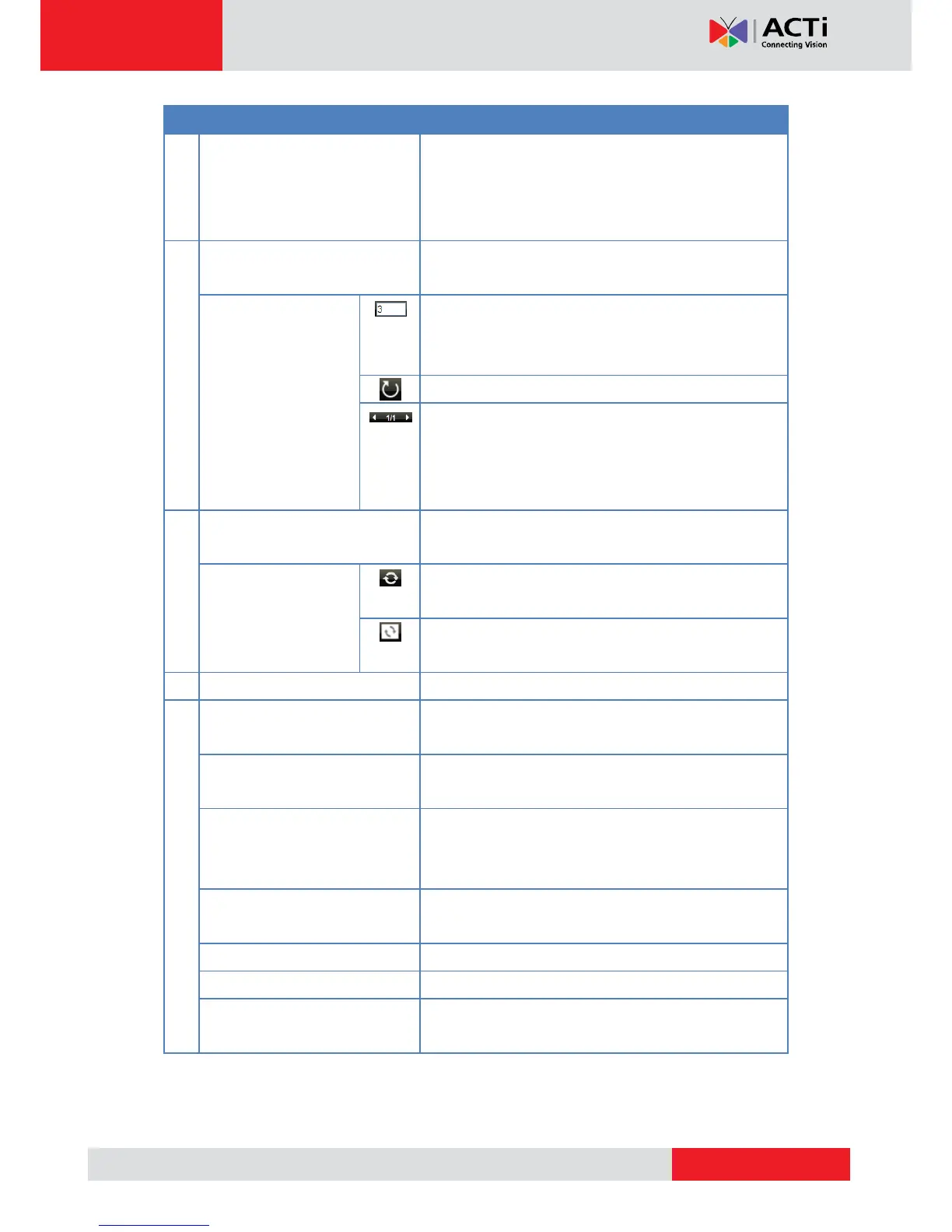
Click an icon to change the layout of channels. The
current layout is indicated by an orange icon. Moving
the mouse over the icon displays the icon name. See
Changing the Window Layout on page 80.
Use for managing the sequence patrol. See Patrolling
Channels on page 81.
By default, the sequence patrol interval time is 3
seconds. To modify, type the desired interval time on
this field.
Click to start / stop sequence patrol.
The number indicates the current page view over the
total number of pages that can be viewed. Click the left
or right arrow to go back or go to the next page
manually.
Use to sync the remote display to the local display or
vise versa.
Click to sync the remote display according to the local
client display.
Click to sync the local display according to the remote
client display.
Click a tab to view the page.
Click a menu to access the submenu options. See
Using the Toolbar on page 87.
Allows users to display or hide the video title bar,
disconnect channels, decode I-frame, or logout.
Allows users to display or hide camera details, such as
resolution, IP address, etc., to be shown on the
Camera List.
Click to hide the toolbar. Press the ESC key to display
the toolbar again.
Click to access the help tools on the website.
Click to view the firmware version.
The system date and time. Click the date and time to
access the Date and Time menu.



 To Next Page