ECD-1000 Product Manual
89
Camera List Menu
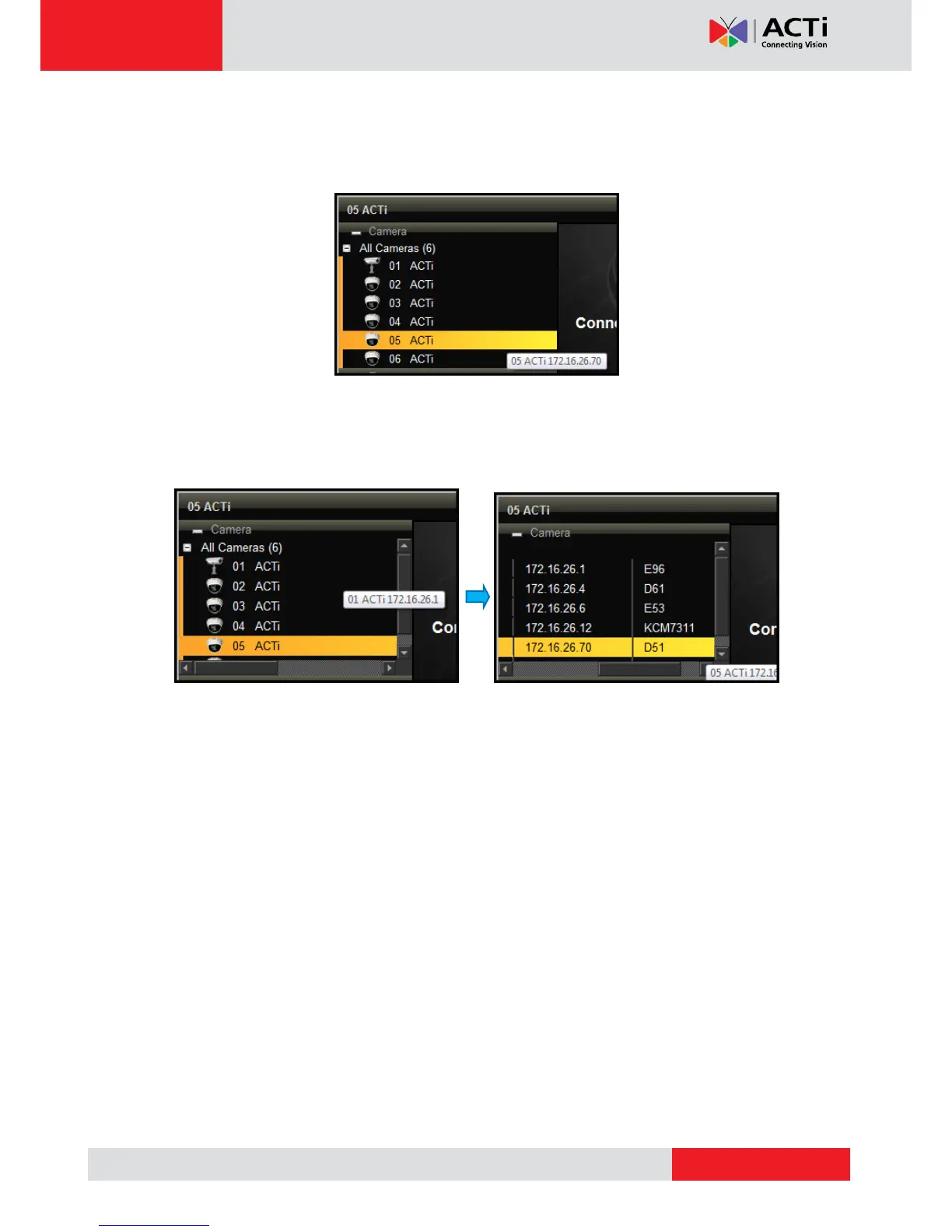
The Camera List menu defines how the cameras are listed on the left panel.
List: Click to list the cameras by channel ID and name only.
Detail: Click to list the cameras with details such as IP address and camera model.
When the mouse goes over to the camera list panel, the scroll bars appear to enable
users to scroll through the camera details.
Hide Toolbar
Click Hide Toolbar to hide the toolbar from the Live View screen. Press the <ESC> key to
display the toolbar again.
Help
Click Help to access the website for more product information and documentation.
About
Click About to display the firmware version.
System Date and Time
Click the date and time to access the Date and Time setup page. See Date and Time on page
92.



 To Next Page