MND172201 P a g e | 47 Software Revision 1.4.1
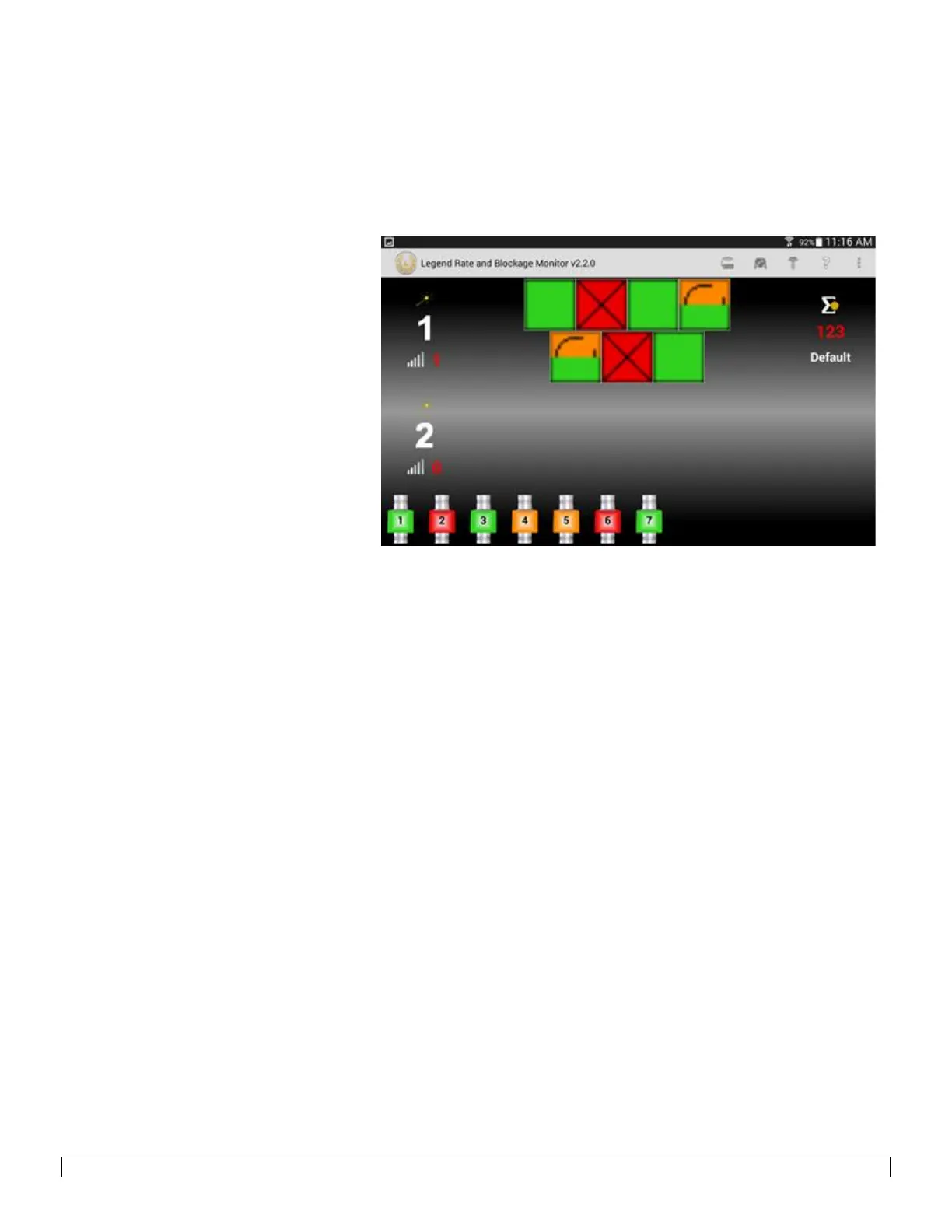
To find out where the cable is disconnected in the loop, tap
anywhere on loop 1 (or loop 2) screen area. The Sensor Status
screen appears at the bottom indicating where the cable is
disconnected in the loop.
Figure 8-6 shows a cable disconnected between sensor four and
sensor five with seed still flowing through the sensors. The Sensor
Status screen will automatically disappear after a few seconds.



 To Next Page