4
114 AhnLab TrusGuard Installation Guide
Exit
To log out from the program, click Exit. If you specified the settings to remove the program upon log
out, TrusGuard SSL VPN Client will be removed.
Note
If you specified the settings to disconnect SSL VPN
when you close your web browser, the TrusGuard
SSL VPN Client will be terminated when you close your web browser.
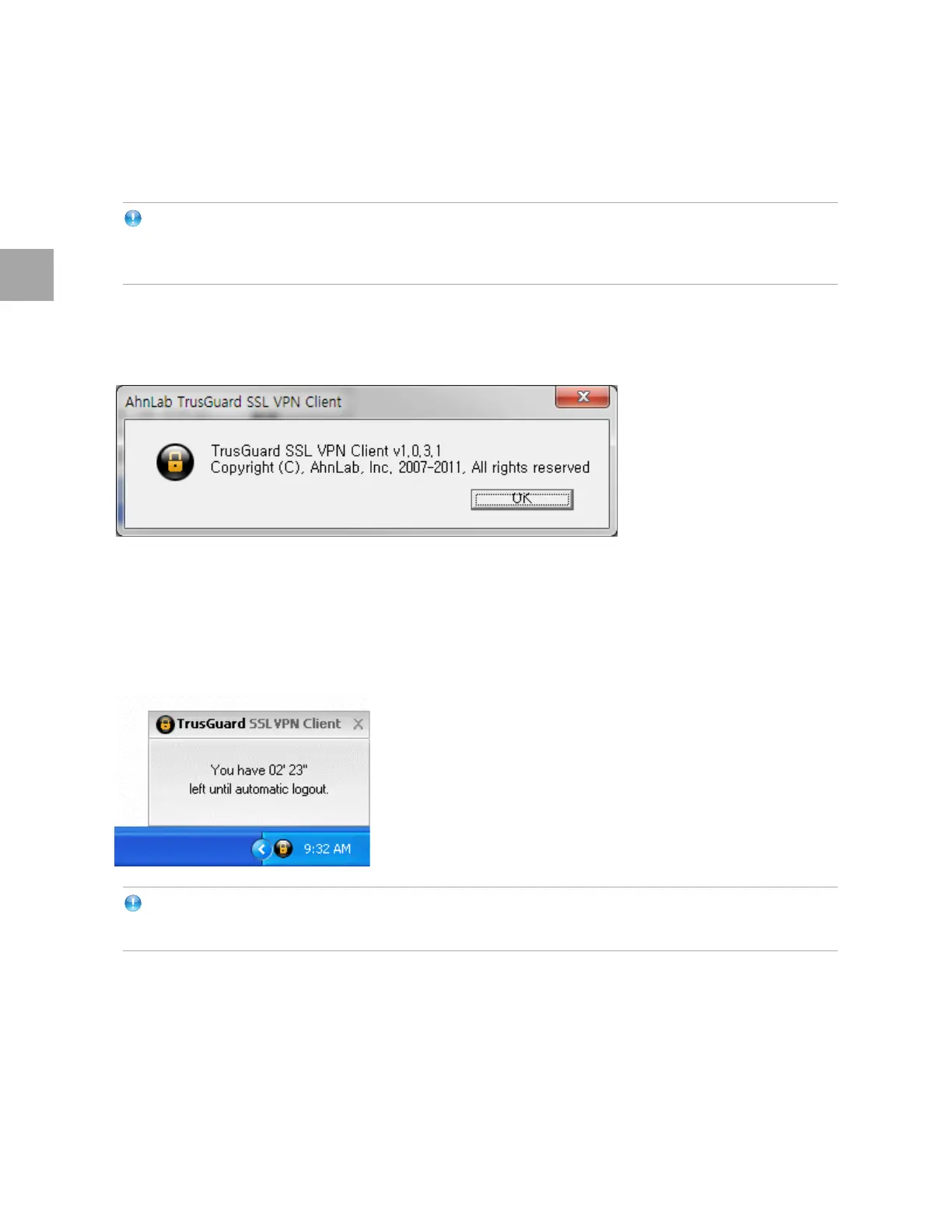
About
To check the program version, click About....
Session Timeout Alert
If a user does not connect the internal network for a certain period of time, the VPN connection will be
automatically disconnected. The administrator can set the timeout session from 3 to 30 minutes, or
disable this function if necessary.
Note
If you enabled Auto Login in Settings, you will be automatically logged in even whe
n you log out.
Remove TrusGuard SSL VPN Client
1 Exit TrusGuard SSL VPN Client.
2 Go to Control Panel an
d click Programs and Features.
3 Select TrusGuard SSL VPN Client and click Remove.
4 When
the message confirming the removal appears, click Yes.



 To Next Page