3
84 AhnLab TrusGuard Installation Guide
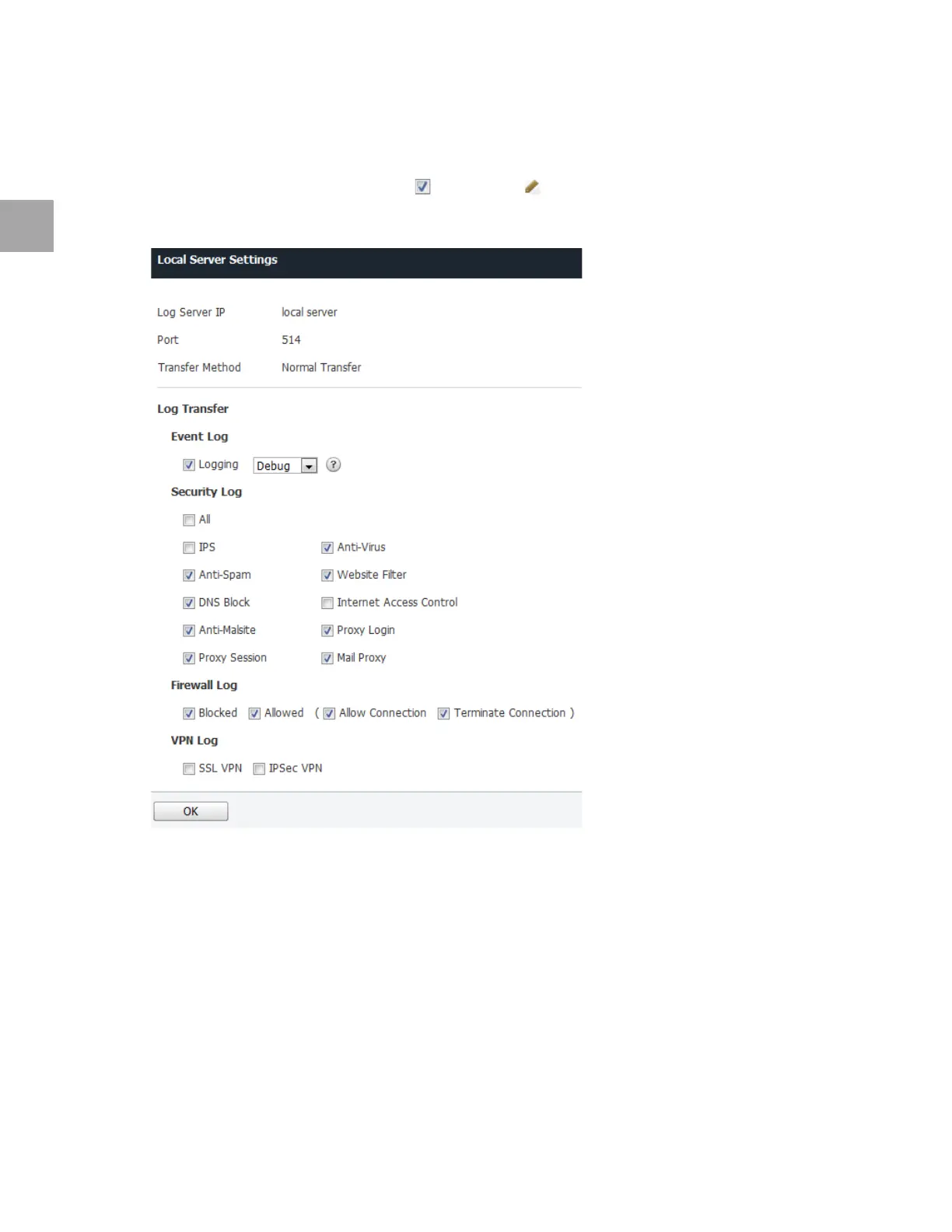
Local Server Settings
Change Local Server Settings
1 Double click the local server or select ( ) it, and click .
2 Deselect logs you do no need from Local Server
Settings.
• The local server only creates and sends the selected logs, so it affects the settings of log servers
that are newly added.
• Even
if you select the logs not selected from the local server in a newly added log server, the
logs will not be created.
3 Click OK.



 To Next Page