4
Chapter4 Client Program 111
▪ If you cannot connect using the domain, please ask the administrator.
▪ If
the SSL VPN gateway does not forward the DNS address information to TrusGuard SSL VPN
Client, you cannot use the domain.
• Service
Type: The type of service set to the SSL VPN network.
Manage Certificate
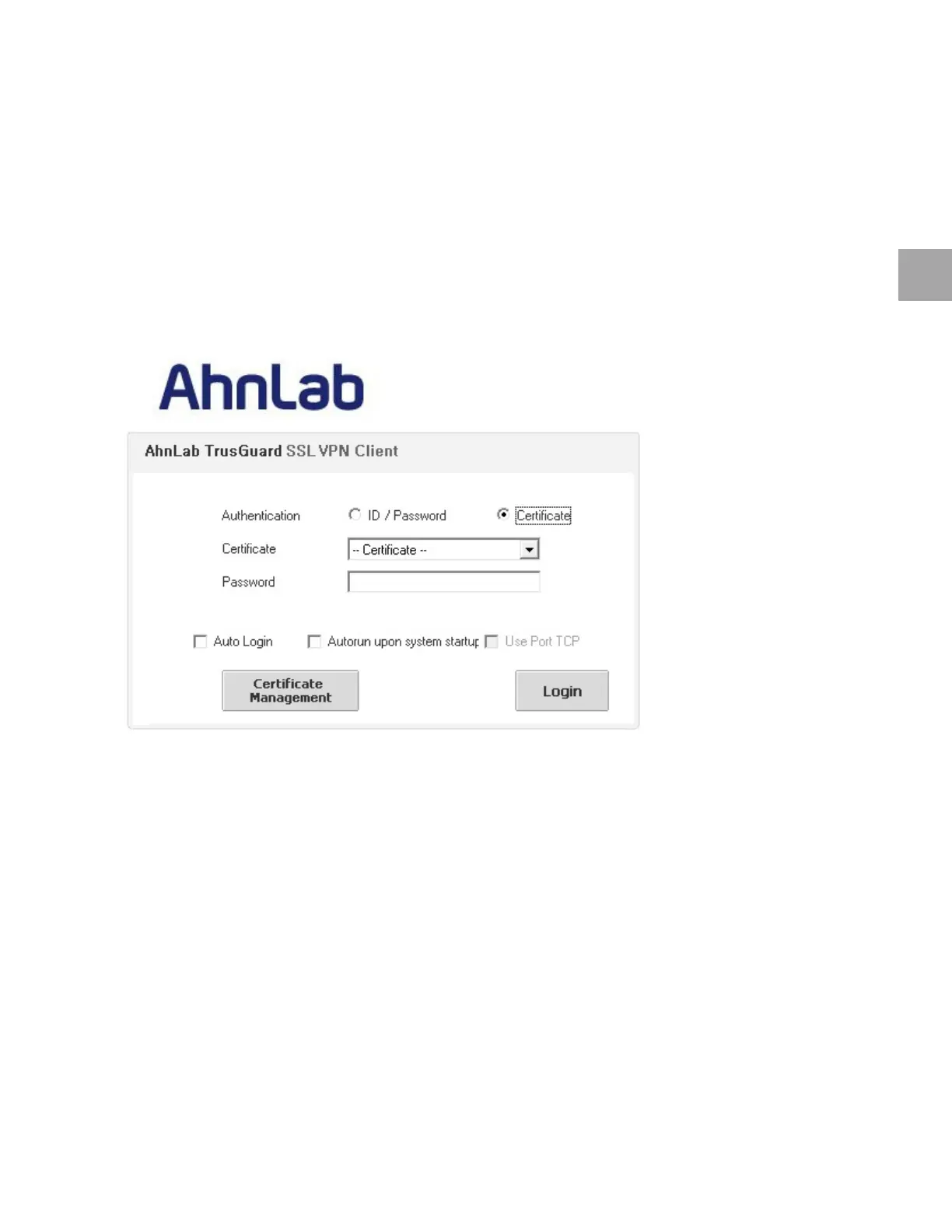
To improve the security, you can login by using certificate. First of all, the certificate must be registered
in TrusGuard SSL VPN Client. Please connect to the SSL VPN login page.
Register Certificate
1 Click Certificate Management in SSL VPN login window.
2 Wh
en <TrusGuard SSL VPN Client> appears, click Import to import the local certificate and CA
certificate. Enter the following fields and click OK.
• Na
me: Enter the name of the certificate.
• Type: Select CA Certificate, and e
nter the path (*.crt, *.p12).
3 Che
ck that the CA certificate has been registered.



 To Next Page