3
92 AhnLab TrusGuard Installation Guide
Change Session Settings
Change the session settings if you plan to use xDSL or IPSec VPN, or Active-Active HA mode
(asymmetric routing environment).
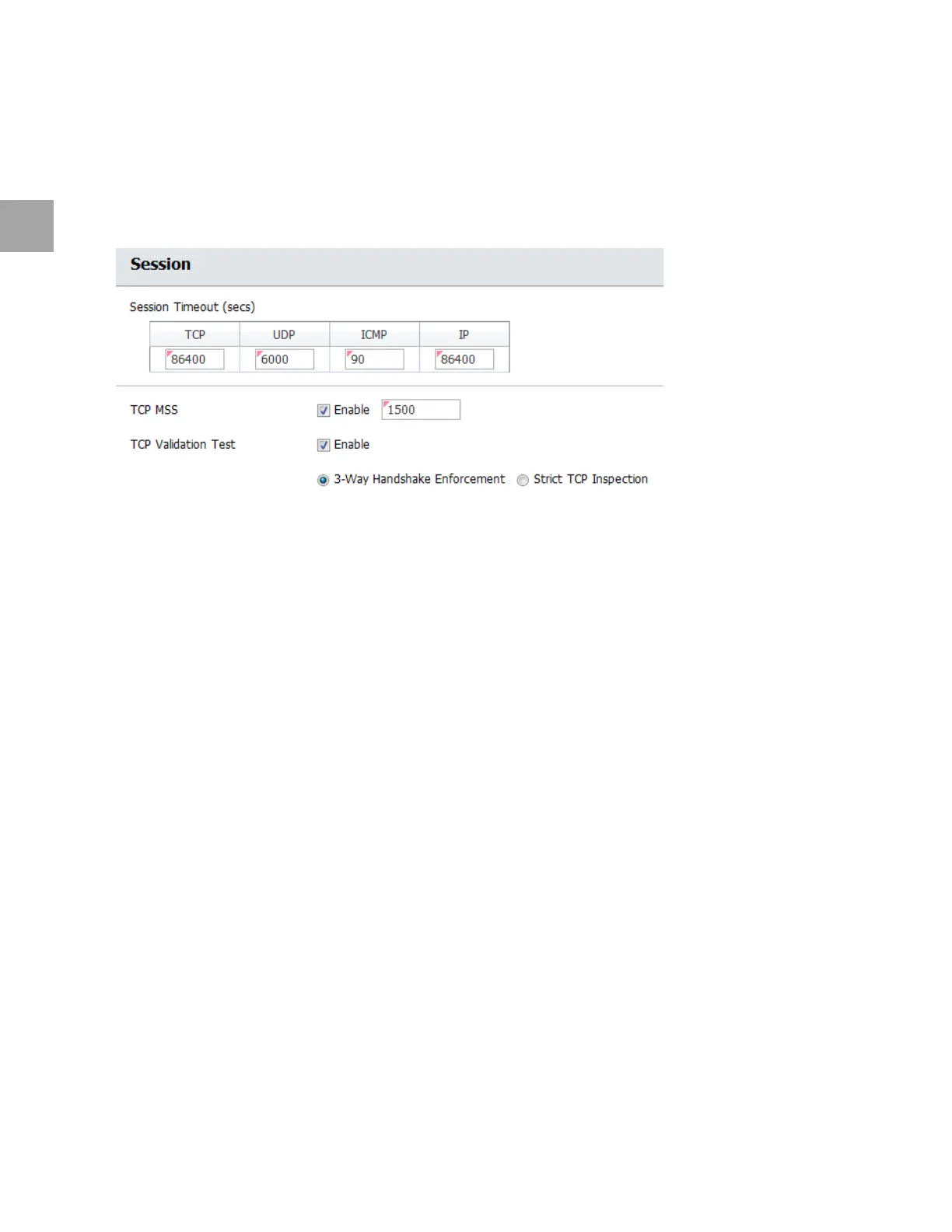
Step: System > Session > Session
Change Session Settings for xDSL and IPSec VPN
IPSec VPN overwrites the IP header while processing packets, so you need to change the MSS value.
Select whe
ther to enable TCP MSS.
Enter a number between 100
and 1,360.
The TCP MSS values that are usually used are
1,500, 1,340, 980 and 660 bytes. It is recommended to use
1,340 bytes in xDSL or VPN environment.
Change TCP Validation Test Settings in Asymmetric Routing Environment
Change the TCP validation test settings in Active-Active HA environment. Select 3-Way Handshake
Enforcement.



 To Next Page