3
Chapter3 Installation 99
Connect Power and Start System
Connect to Power Source and Turn on Device
1 Pull up the power cable guard (if there is one).
2 Co
nnect the power cable (provided) to the power connector on the back of the device.
3 Push down the pow
er cable guard (if there is one) to fix the power cable (if available).
4 Plu
g the cable into a power outlet.
5 Press the ON/OFF
switch.
• For products with
I/O power switch at the back, you need to press the switch in I direction to use
the ON/OFF switch at the front.
Caution
There are two power input ports. One is the main power input
and the other is for backup. Make sure
you plug the power cables into two different power outlets.
Note
If you connect to one power source, or a problem occurs in the
power, there will be a beep sound.
Press the red button near the power port and find the problem.
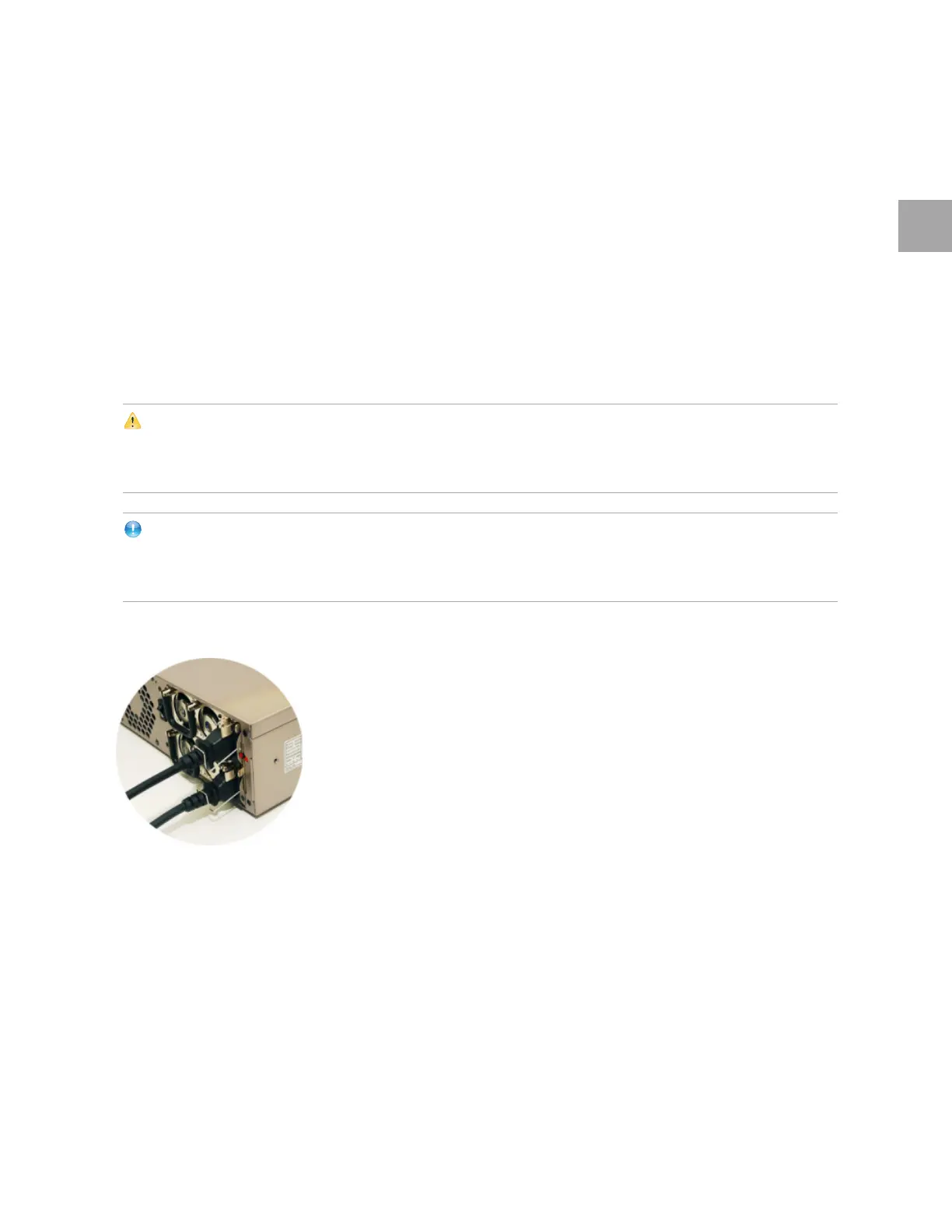
Correct Way of Using Cable Guard
Insert the cables into the ports, and fix with the guards.



 To Next Page