3
56 AhnLab TrusGuard Installation Guide
Static IP Address Port
This is the most basic method to use a network port where the administrator enters the IP address for
the network port.
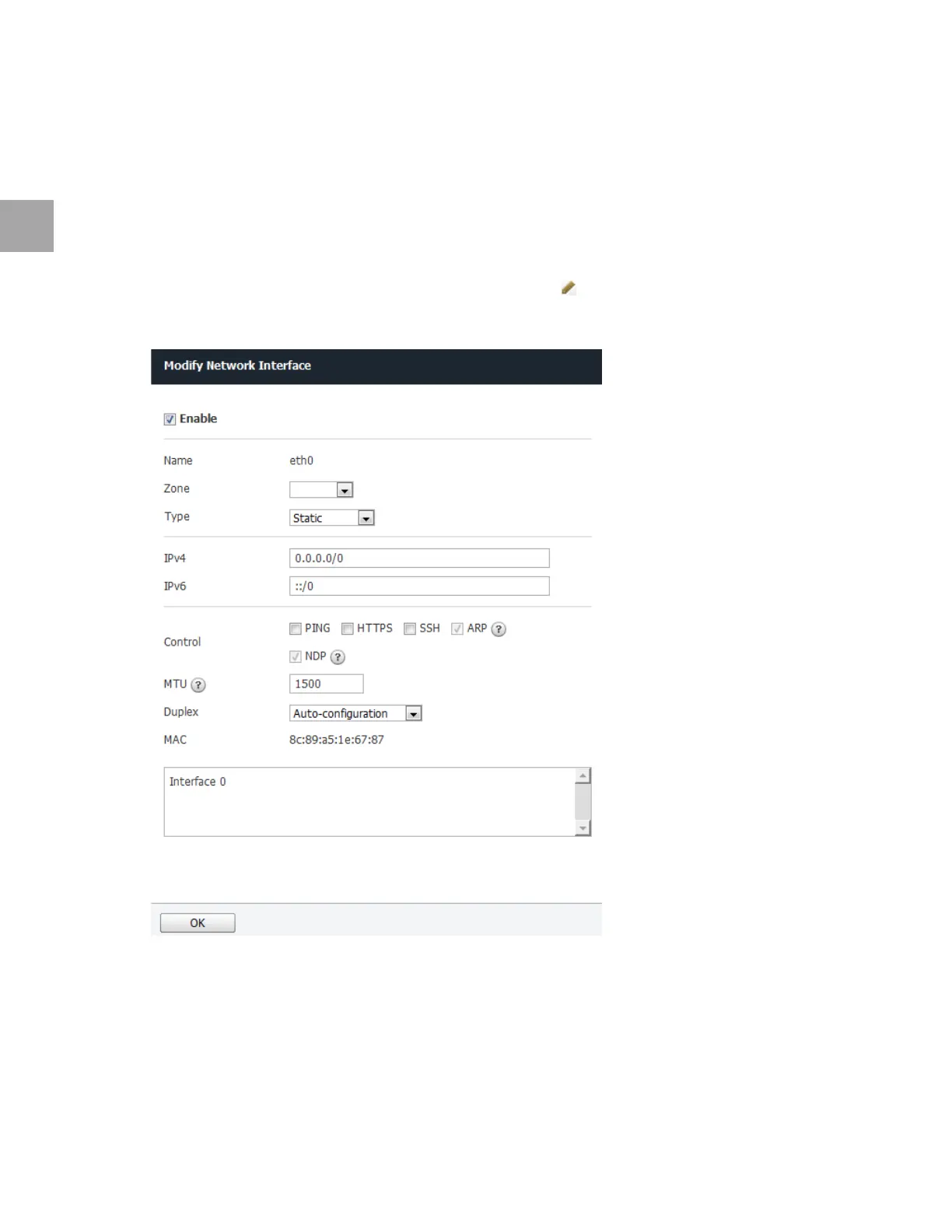
Set Static IP Address Port
Set the static IP address port as below. Use the default settings for any fields that have been left out.
1 Select the network port to use a static IP add
ress, and click .
2 Specify
the settings as below.
• Select Static for Type.
• En
ter the IPv4 or IPv6 address.
• Select the respo
nse protocol in Control.
▪ PING: To respond
to ICMP ping requests
▪ HTTP
S: To allow access to administrative web page



 To Next Page