1
8 AhnLab TrusGuard Installation Guide
Checklist
Before using the product, check each item. If any of the items are missing or damaged, please contact
our Technical Support Center
Authenticity Check
Check that the product is authentic.
Check that AhnLab Software
License is in a sealed package. If you purchase multiple products from
one site, you may be provided with one AhnLab Software License only.
C
heck that the CD is in a sealed package, and the security sticker is not damaged or missing
C
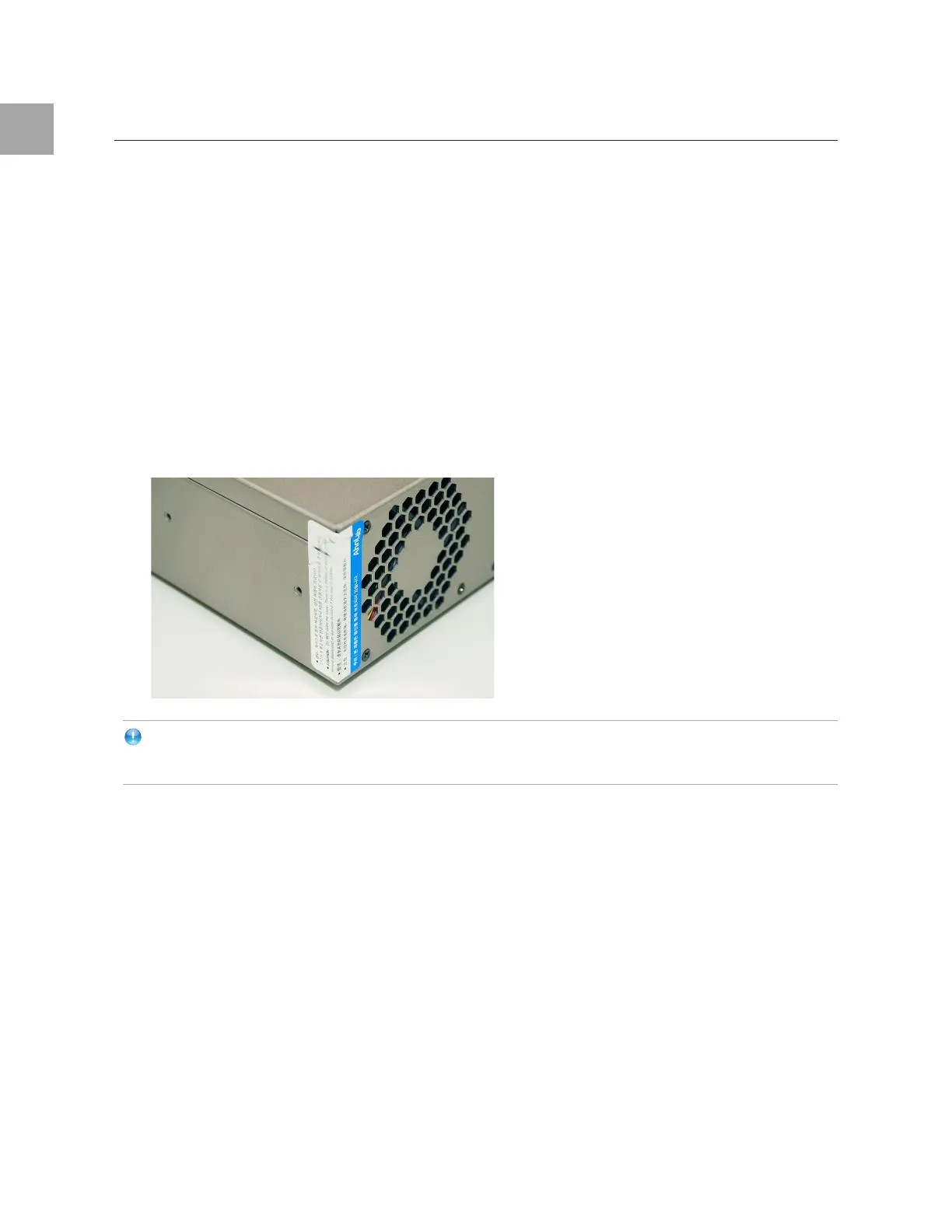
heck that the Warranty Seal is not damaged or missing. If damaged, AhnLab may provide only
limited warranty and/or repair services. The seal may not be attached the same as below.
Note
If you get your device repaired, we will attach
a new Warranty Seal to your device.
Package Check
Check that the following items are included in your package.
Device
Insta
llation Kit



 To Next Page