3
90 AhnLab TrusGuard Installation Guide
Other Settings
Check.change host name, time and system language.
You have completed system settings and can connect to
TrusGuard if you have registered your license,
set the network interface and routing, update the signatures and connected the log server.
Now you have to make additional settings if you want to
provide VPN service or use HA mode. Also, to
use TrusGuard securely, you must change the default account, and restrict the IP addresses to allow
access to the administrator’s interface.
System Information
Set the system host name, time and language. Click Save after changing the settings.
Step: System > System Information > System Information
Note
If you change the systeme information
, it will immediately get applied to the system. But, if you restart
the system, it will change back to the original setting. To keep the changed settings, click Apply.
Host Name
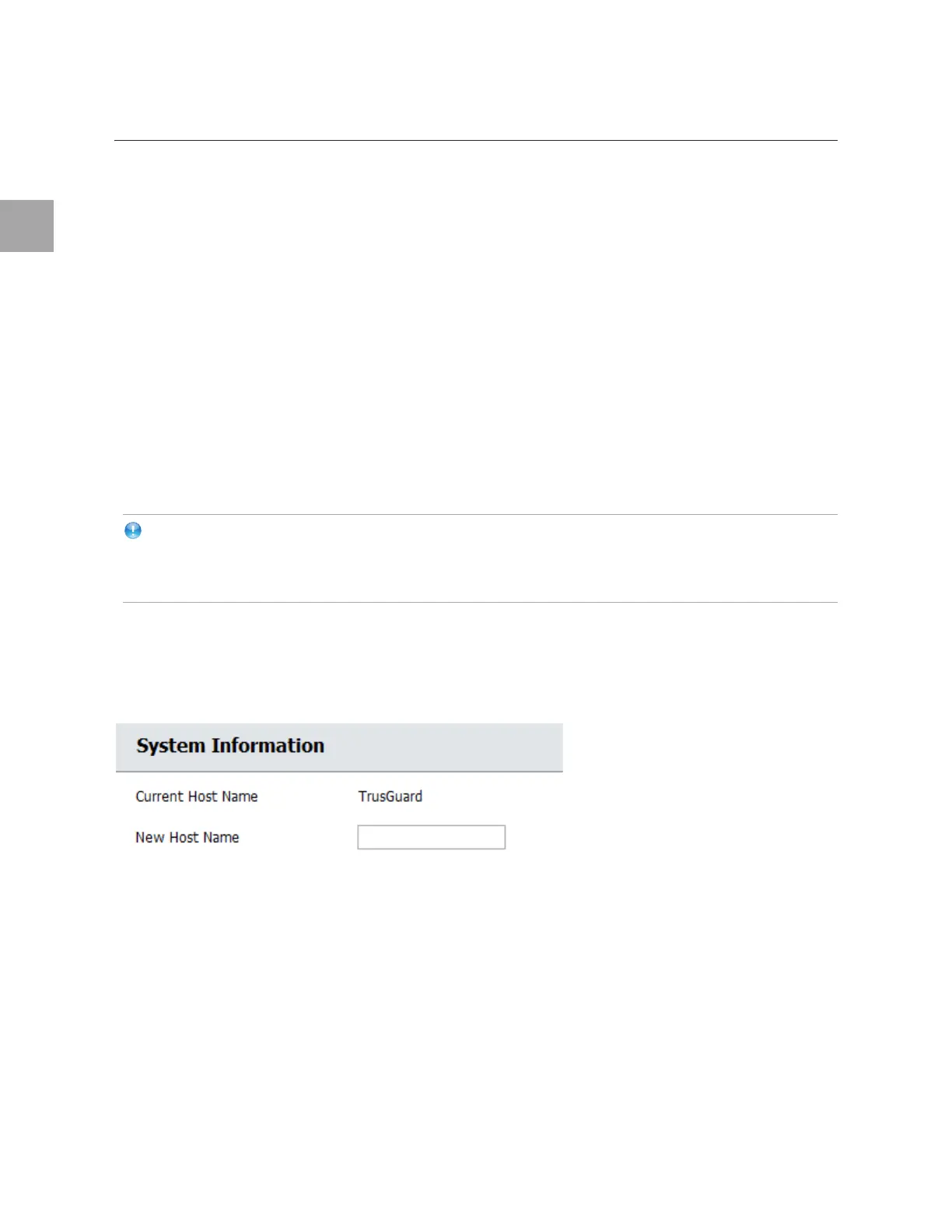
Host Name is the name used to identify the device in TrusAnalyzer and TrusGuard Manager. To change
the host name, enter the New Host Name (1 to 15 alphanumeric characters).



 To Next Page