3
100 AhnLab TrusGuard Installation Guide
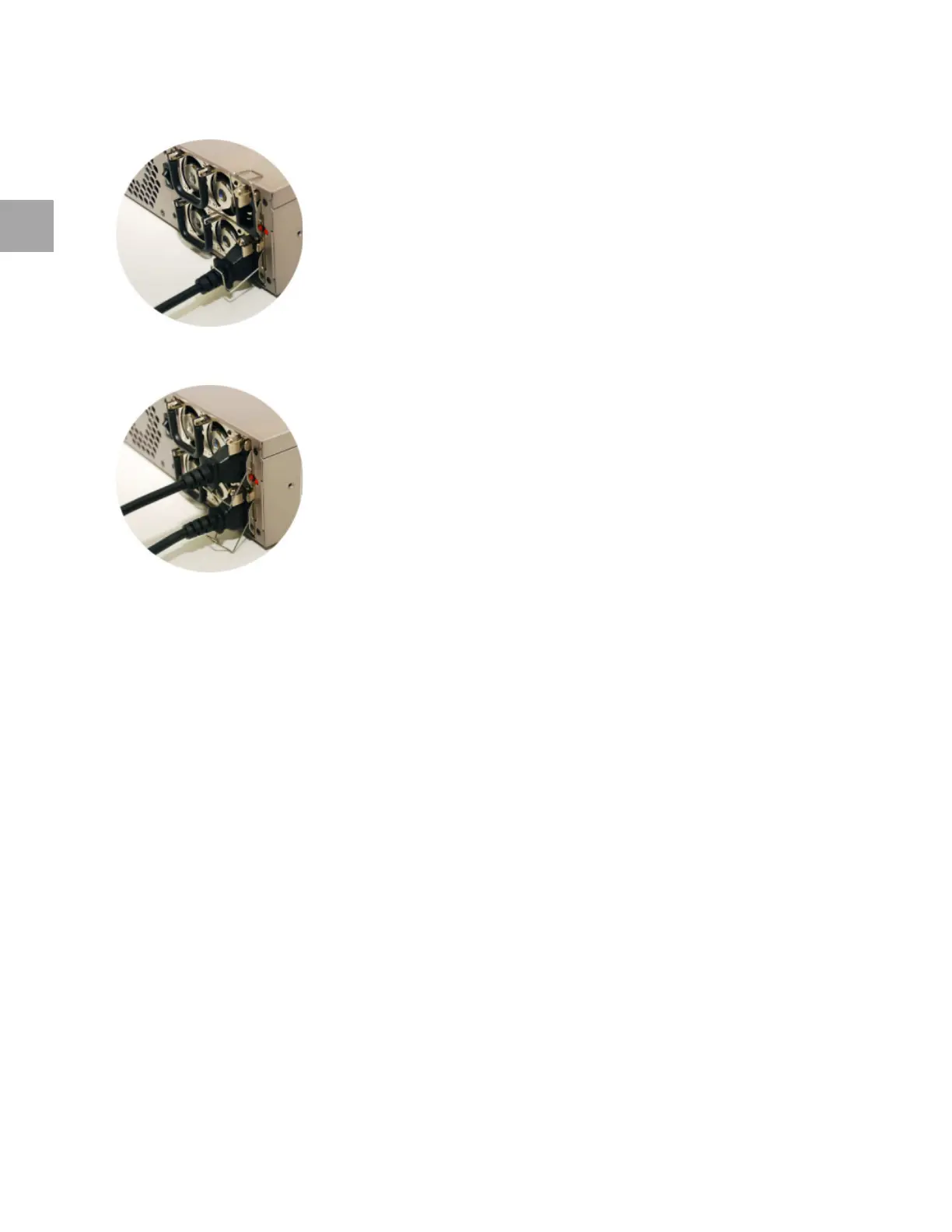
Wrong Way of Using Cable Guard
Do not use one cable only.
Fix the cable with the cable guard. It may not be common, but it is to prevent the plug from becoming
loose, or getting pulled out by mistake.
Connect Network Cable
Connect the network cable.
Step 1: Before Connecting to a Network
Connect the cable to the network interface and check the system settings and policy settings.
Ch
eck the network configuration and identify all the network interfaces to connect to the network.
The network interfaces
could use more than one network ports. Check all the network ports.
Mo
dify any wrong settings and click Apply.
Step 2: Network Settings
Change the settings to allow routing between the connected network and TrusGuard.
Check the upper/lower route
r/switch network settings.
Ch
eck the type of network interface to connect to TrusGuard.
Check the ga
teway IP addfress of the lower host.



 To Next Page