4
110 AhnLab TrusGuard Installation Guide
First Login
1 After your first login, you must change your password.
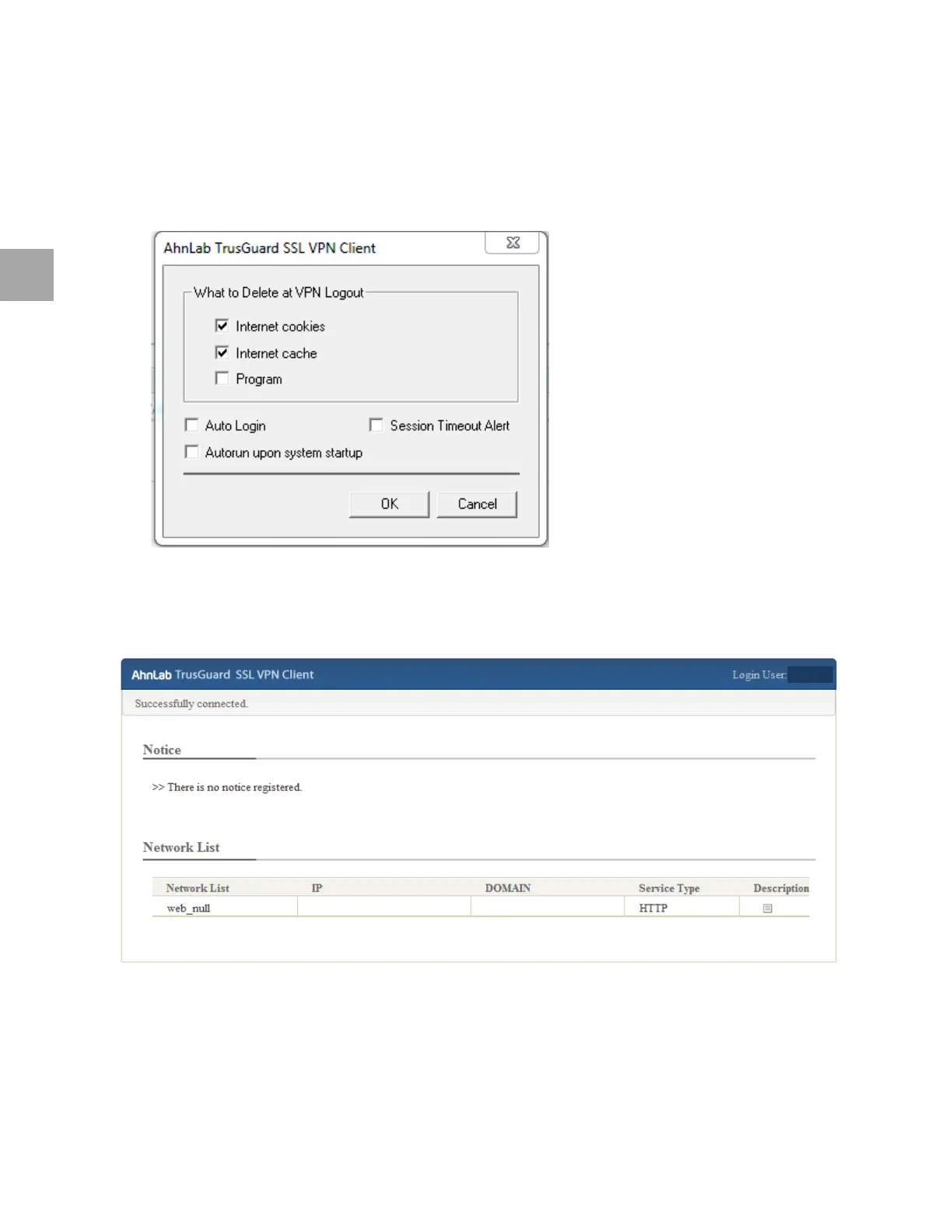
2 Once logged i
n to SSL VPN, a window for specifying the TrusGuard SSL VPN Client settings
appears. Specify settings and click OK.
VPN Start Page
The SSL VPN Client home page shows notices and a list of networks the user can use.
Notice: The notice set by the administrator. Click the title to see the contents.
Network List: The SSL VPN network
list, which can be used by SSL VPN user.
• IP: The IP ad
dress of the SSL VPN network.
• Domain: The domai
n name.



 To Next Page